🧱 Module Overview
In this tutorial, we'll learn How to define the building blocks of staff salaries—Earnings and Deductions—to create a flexible and accurate payroll system.
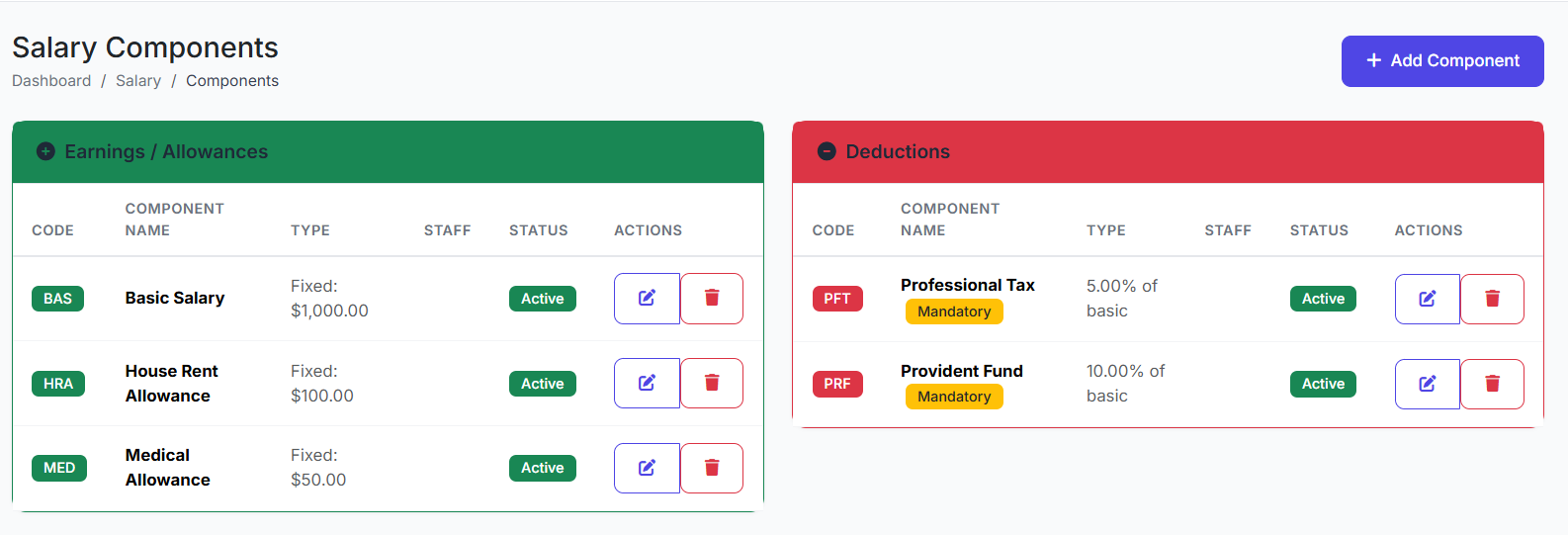
Salary Components are the individual elements that make up a staff member's total pay. They are divided into Earnings (additions like Basic Salary and Allowances) and Deductions (subtractions like Tax and Insurance). These components are the foundation for all payroll calculations.
🧭 How to Access
Navigate to: Salary → Salary Components
📐 Types of Salary Components
Components are split into two fundamental types:
| Type | Purpose | Common Examples |
|---|---|---|
| Earnings | Additions to gross pay. | Basic Salary, House Allowance, Transport Allowance, Medical Allowance, Overtime, Bonus. |
| Deductions | Subtractions from gross pay. | Income Tax (PAYE), Pension Contribution, Health Insurance, Loan Repayment, Union Dues. |
📋 Salary Components List Overview
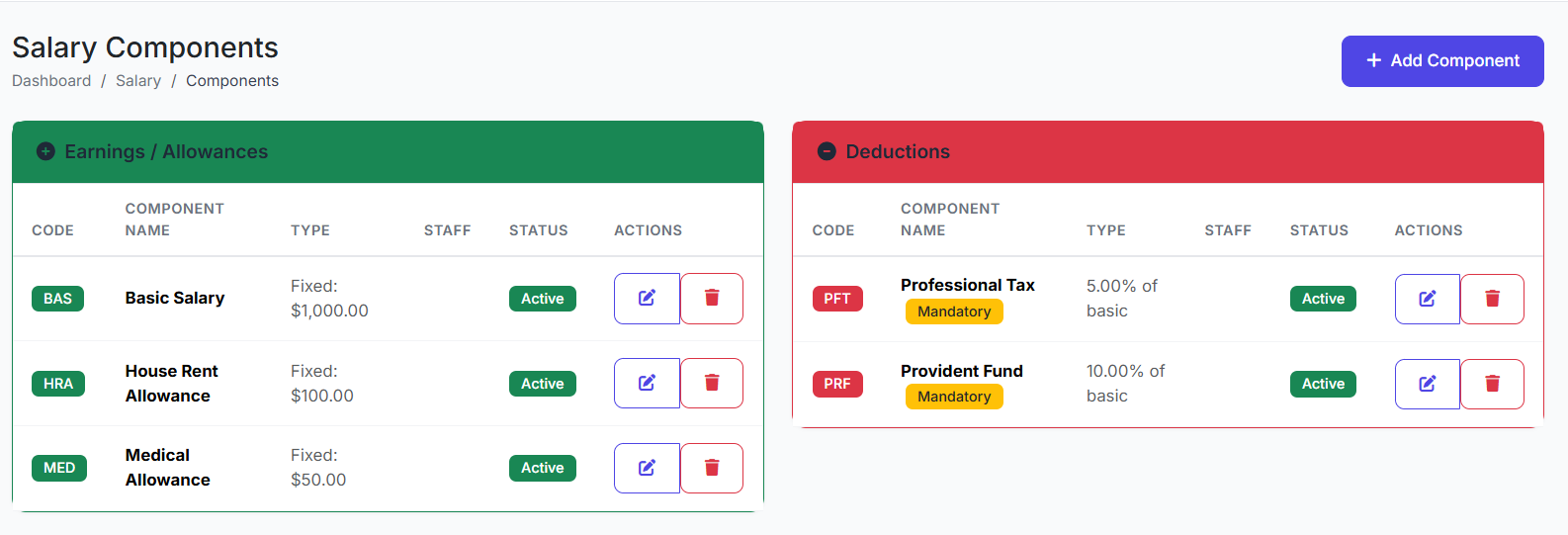
The main page lists all configured components. Key columns include:
| Column | Description |
|---|---|
| Component Name | e.g., "Transport Allowance". |
| Type | Earning or Deduction. |
| Calculation Type | Fixed Amount or Percentage. |
| Default Value | The standard amount or percentage. |
| Taxable | Yes/No indicator. |
| Status | Active or Inactive. |
| Actions | Edit or Delete. |
Note: Only Active components can be used in Salary Structures.
➕ Creating a New Salary Component
Click Add Component.
Fill in the form:
Component Name: (e.g.,
Transport Allowance)Component Type: Select Earning or Deduction.
Calculation Type:
Fixed Amount: A set sum (e.g., $1,000 or ₦250,000).
Percentage: A % calculated from a base (e.g., "20% of Basic Salary").
Base for Calculation (if Percentage): Choose Basic Salary or Gross Salary.
Default Value: Enter the standard amount or percentage.
Taxable: Check if this component is subject to tax.
Description: (Optional) Add internal notes.
Status: Set to Active.
Click Create Component.

🧮 Understanding Calculation Types
| Calculation Type | How It Works | Example |
|---|---|---|
| Fixed Amount | Same value for all assigned staff. | A flat Transport Allowance of $150 for all managers. |
| Percentage of Basic Salary | Calculated as a % of the staff's basic pay. | House Allowance = 25% of Basic Salary. |
| Percentage of Gross Salary | Calculated as a % of the total earnings before deductions. | Income Tax calculated as 15% of Gross Salary. |
✅ Best Practices
Build Before Structures: Create all salary components before setting up staff salary structures to ensure availability.
Use Clear Names: Choose descriptive, unambiguous names (e.g., "Medical Allowance" not just "Med Allow").
Mark Tax Correctly: Accurately flag Taxable components (like bonuses) to ensure correct tax computation.
Set Realistic Defaults: Establish practical default values that reflect your school's compensation policy.
Archive, Don't Delete: Instead of deleting obsolete components, mark them Inactive to preserve historical payroll data.
The Salary Components module provides the essential definitions needed to construct any staff member's pay package accurately and flexibly, forming the core of a reliable payroll system.
Next, we will cover how to assemble these components into Salary Structures for different staff roles.