




Product Information
- Category: Sales, Retail and Transaction Systems
- Version: 1.0.0
- License: single
- Status: In Stock
Multi-Branch Point of Sale (POS) and Inventory System
$20.00
System Requirements
- Server: OS: Ubuntu 20.04 or Windows 2019 and above
- RAM: 4GB minimum, 8GB recommended
- CPU: 4 cores minimum, 8 cores recommended
- Storage: 100GB SSD with daily growth monitoring
- Backup: Automated daily backups with 30-day retention.
- Client: Browser: Chrome 90+, Firefox 88+, Safari 14+, Edge 90 above Resolution: 1366x768 minimum (1920x1080 recommended)
- Network: 5 Mbps+ stable connection per workstation
- Peripherals: USB barcode scanners, thermal printers, cash drawers
Multi-Branch POS System
Version 1.0.0 | Self-Hosted Point of Sale & Retail Management Platform
1. System Overview
The Multi-Branch POS System is a self-hosted, web-based Point of Sale and retail management platform built for businesses that operate one or more physical locations — including locations in different countries with different currencies, tax rules, and timezones.
It combines a fast, offline-friendly checkout (POS) interface with a full back-office suite covering inventory, purchasing, suppliers, customers, loyalty, promotions, expenses, multi-branch stock transfers, financial/operational reporting, and system administration — all in one application, with no third-party SaaS subscription required.
Because it's self-hosted (runs on standard PHP/MySQL hosting — including affordable shared/cPanel hosting), the business that buys it owns the software outright, controls its own data, and isn't locked into recurring per-terminal or per-branch SaaS fees charged by typical cloud POS providers.
2. Core Architecture
2.1 Technology Stack
| Layer | Technology |
| Server language | PHP 8.x (custom lightweight MVC-style structure — no heavy framework overhead) |
| Database | MySQL / MariaDB (InnoDB, utf8mb4) |
| Web server | Apache (via XAMPP for local/dev, or any cPanel/LiteSpeed/Apache shared hosting) |
| Frontend | Bootstrap 5, jQuery, DataTables, Chart.js, Font Awesome |
| PHPMailer (SMTP) with branded HTML templates | |
| PDF/Barcode | Code128 barcode rendering for product labels; printable invoice/receipt layouts |
| Session/Auth | PHP native sessions, hashed passwords, "Remember Me" via secure HttpOnly tokens |
2.4 Multi-Branch & Multi-Currency Design
This is the architectural centerpiece of the system:
- Branch isolation, single database: every transactional table (sales, branch_stock, purchases, branch_expenses, etc.) is keyed by
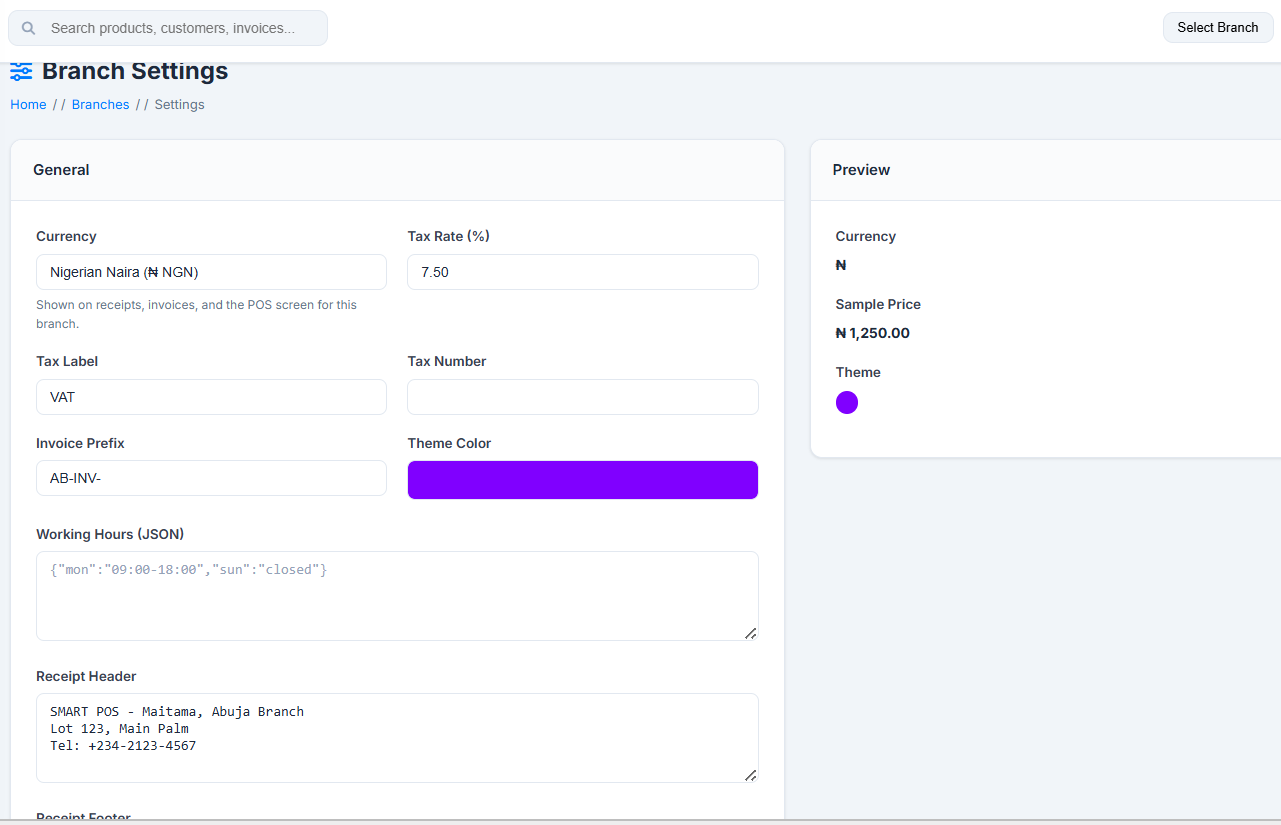
branch_id. One installation can run an unlimited number of branches without duplicating the application. - Per-branch configuration: each branch independently controls its currency (symbol or code, from a curated list of African and global currencies, or a custom one), tax rate & label, invoice number prefix, timezone, theme color, working hours, and receipt header/footer.
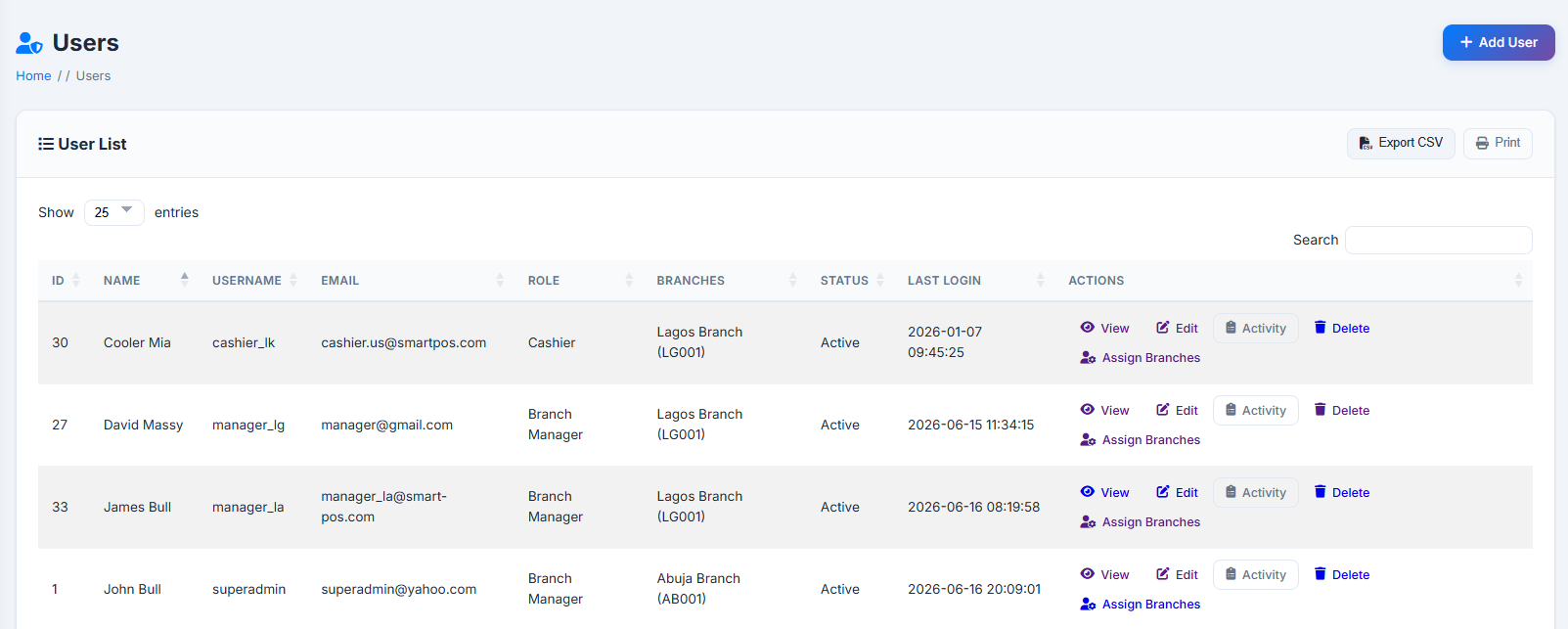
- Branch-scoped access: a user's access is governed by user-to-branch mapping, where each user can be linked to one or more branches, each with its own role (e.g. Cashier at Branch A, Branch Manager at Branch B), and one branch flagged as their primary.
- Active branch context: the header's branch switcher sets the "active branch" for the session, which scopes the Dashboard, POS, Sales History, Stock, and most Reports.
- Permanent invoice numbering: invoice numbers are generated from the branch's prefix at the moment of sale and never change retroactively — preserving accounting integrity even if a branch's settings are later updated.
2.5 Security & Auditing
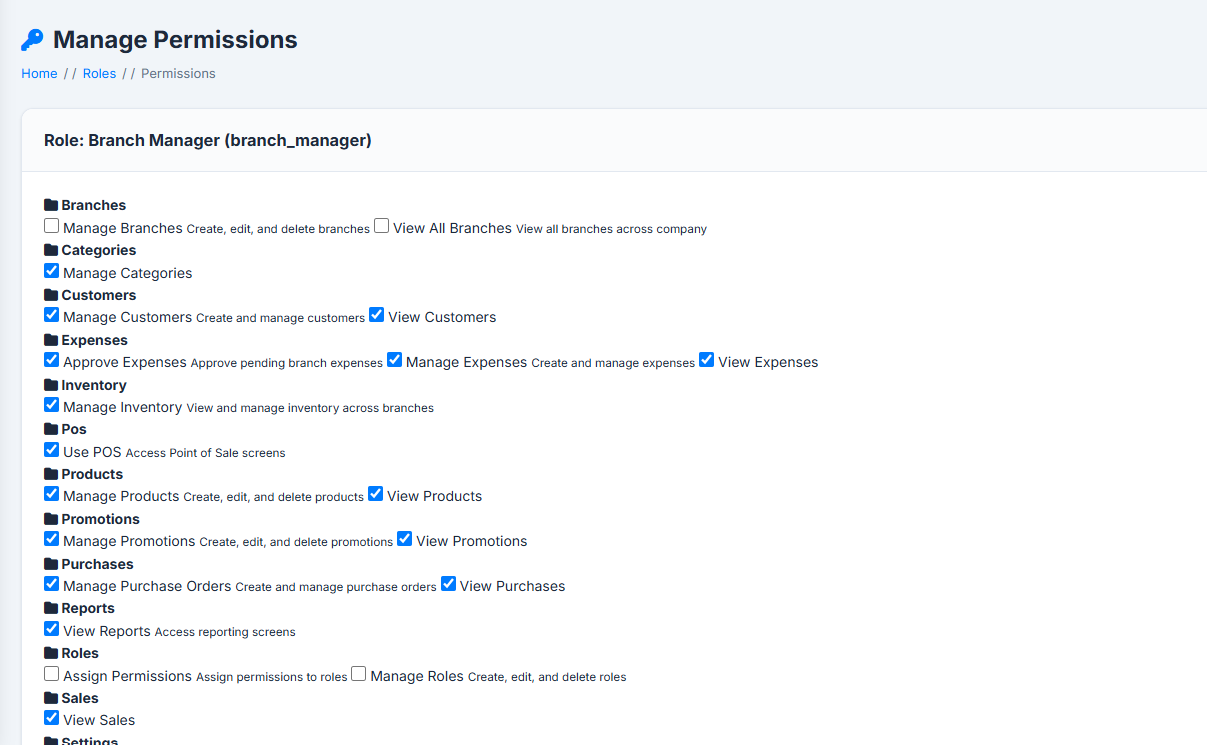
- Role-Based Access Control (RBAC) combined with a granular permission system (module-level checkboxes per role).
- Activity Logs capture who did what, when, from which IP, and — for record updates — a field-level before/after diff.
- Session timeout with a pre-expiry warning, and secure "Remember Me" tokens (HttpOnly cookies).
- IP detection is proxy/CDN-aware (X-Forwarded-For, X-Real-IP, CF-Connecting-IP) so audit logs show real visitor IPs even behind a reverse proxy on shared hosting.
- CSRF protection on state-changing forms.
3. Key Features
🛒 Point of Sale
|
📦 Inventory & Catalog
|
⚙️ Operations
|
🎁 Loyalty & Marketing
|
📊 Reporting & Analytics
|
🛡️ Administration
|
4. Problems It Solves
| Business Pain Point | How the System Addresses It |
| Managing multiple stores with disconnected spreadsheets/POS terminals | Single unified system; every branch's sales, stock, and staff are in one database with branch-level scoping |
| Operating across countries with different currencies and tax rules | Each branch independently configures its own currency, tax rate/label, and invoice numbering |
| Recurring SaaS fees per till/branch from cloud POS vendors | Self-hosted, one-time deployment — no per-seat licensing from a third party |
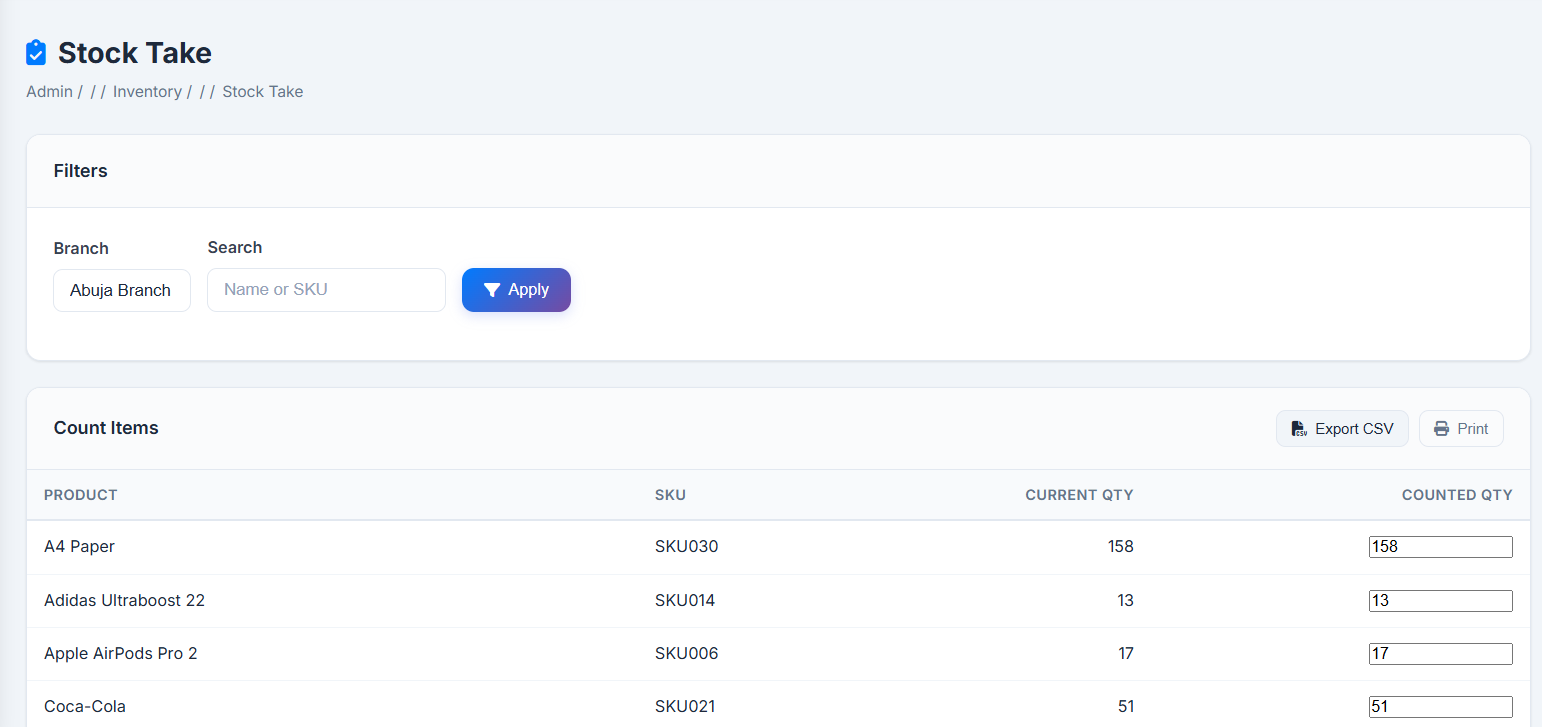
| Stock discrepancies and "phantom inventory" between branches | Real-time per-branch stock tracking, adjustments with reasons, stock-take reconciliation, full audit trail |
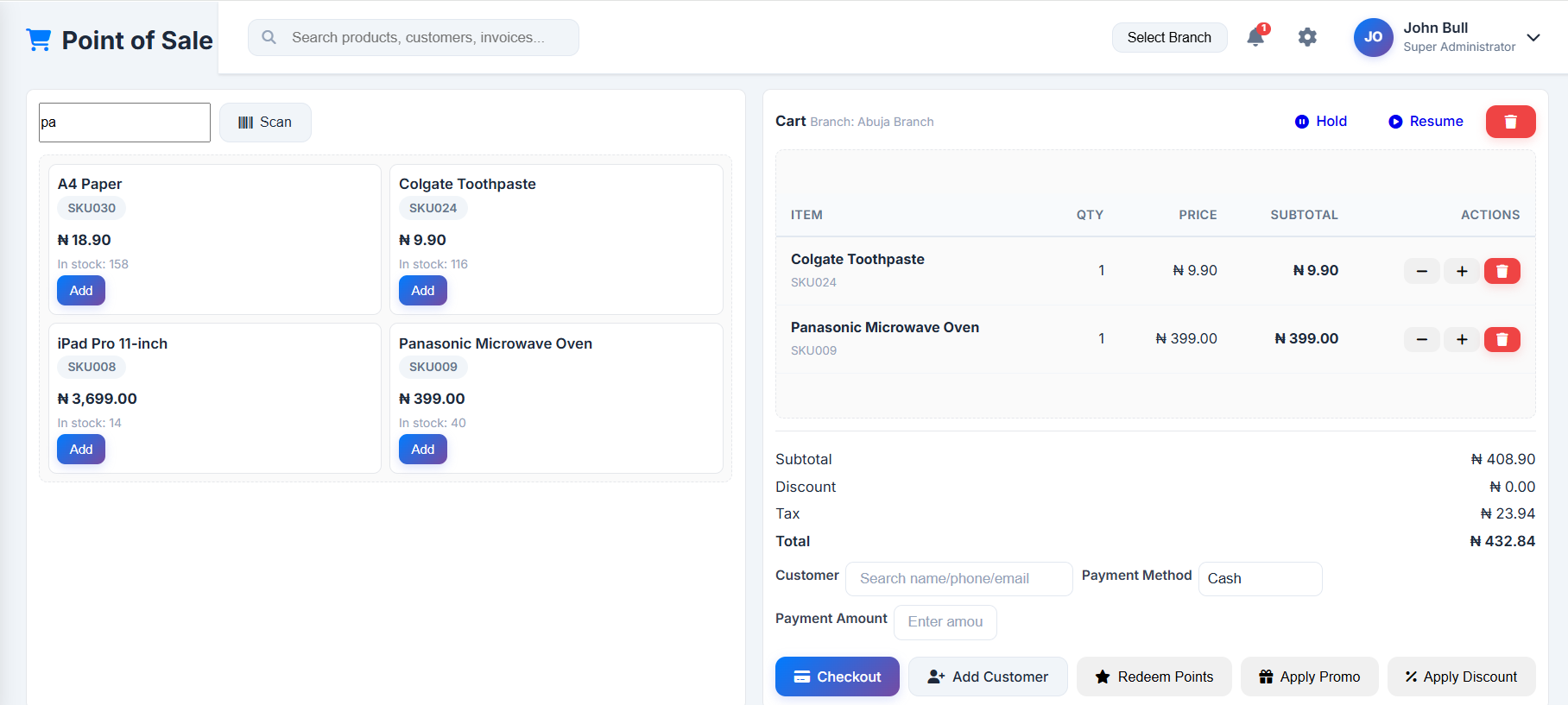
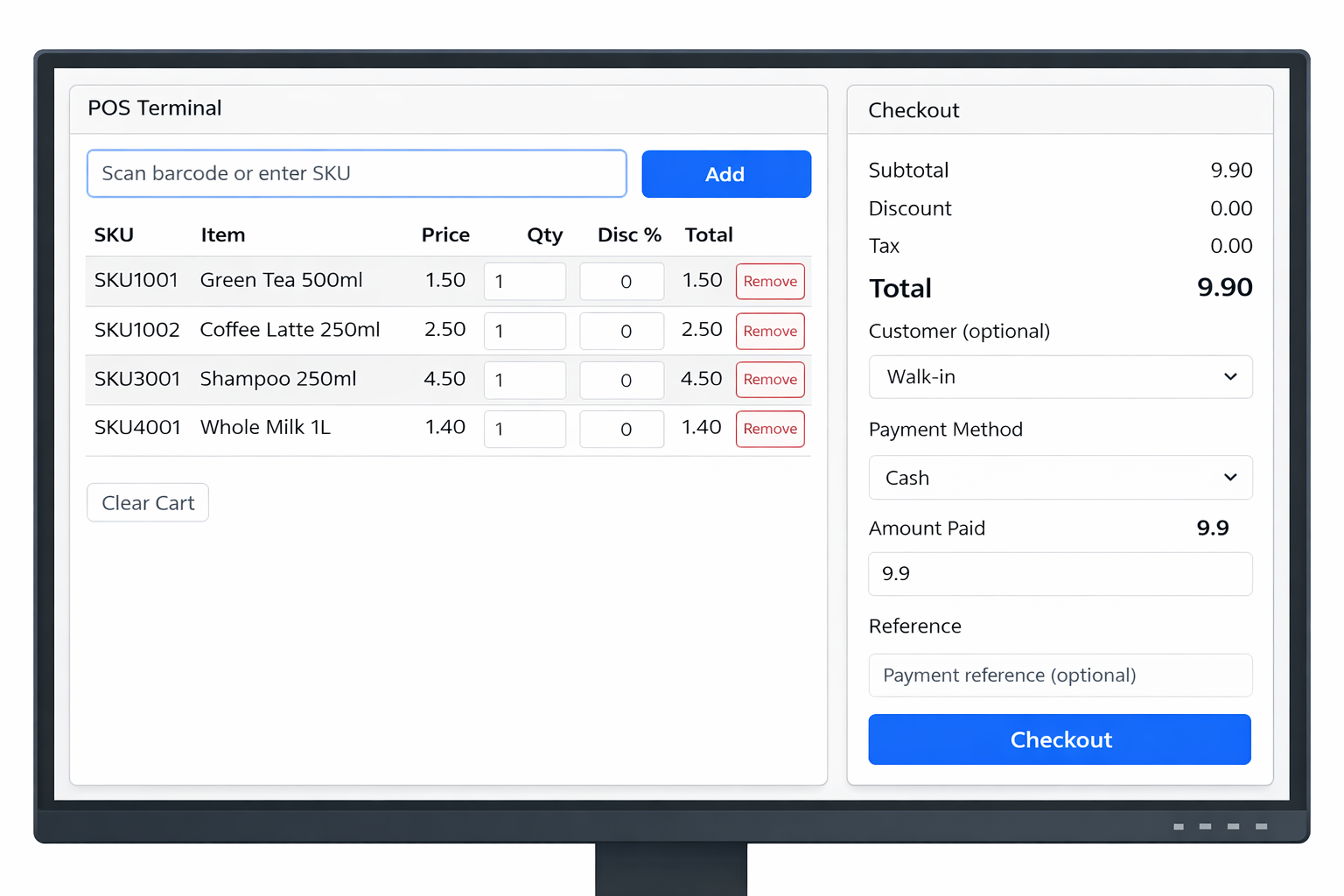
| Slow or error-prone checkout, manual price lookups | Barcode scanning, instant search, optimized cart/checkout with auto tax/discount/loyalty |
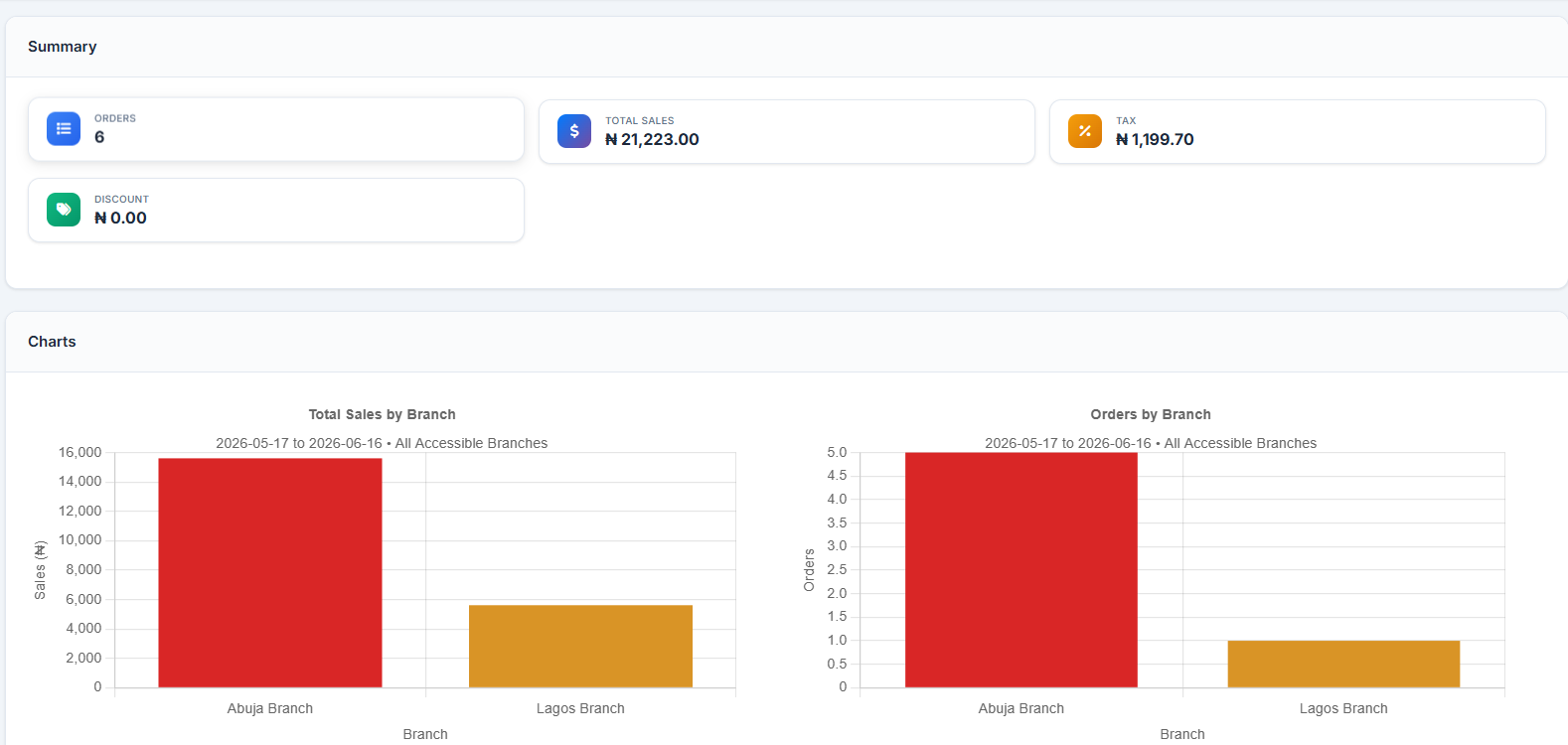
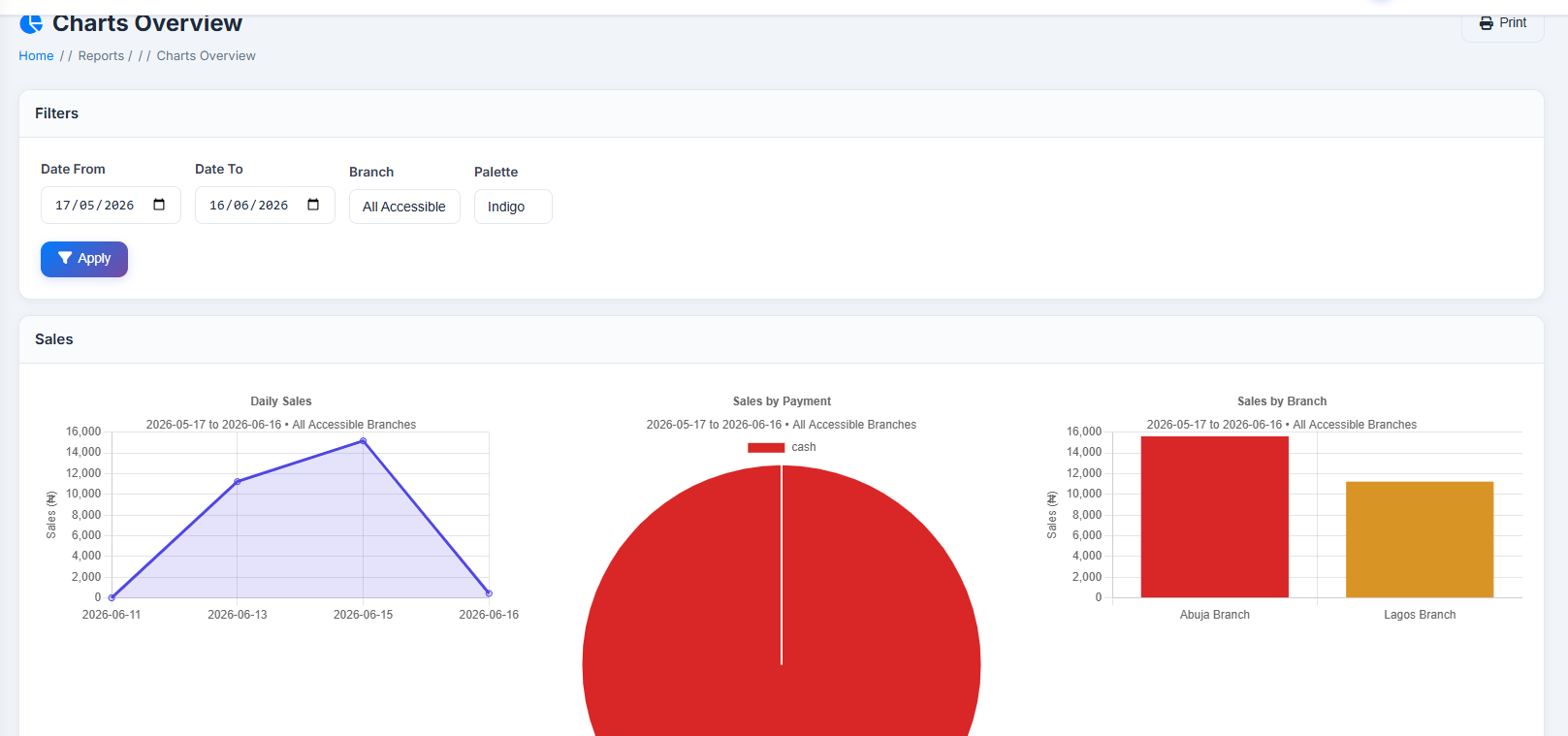
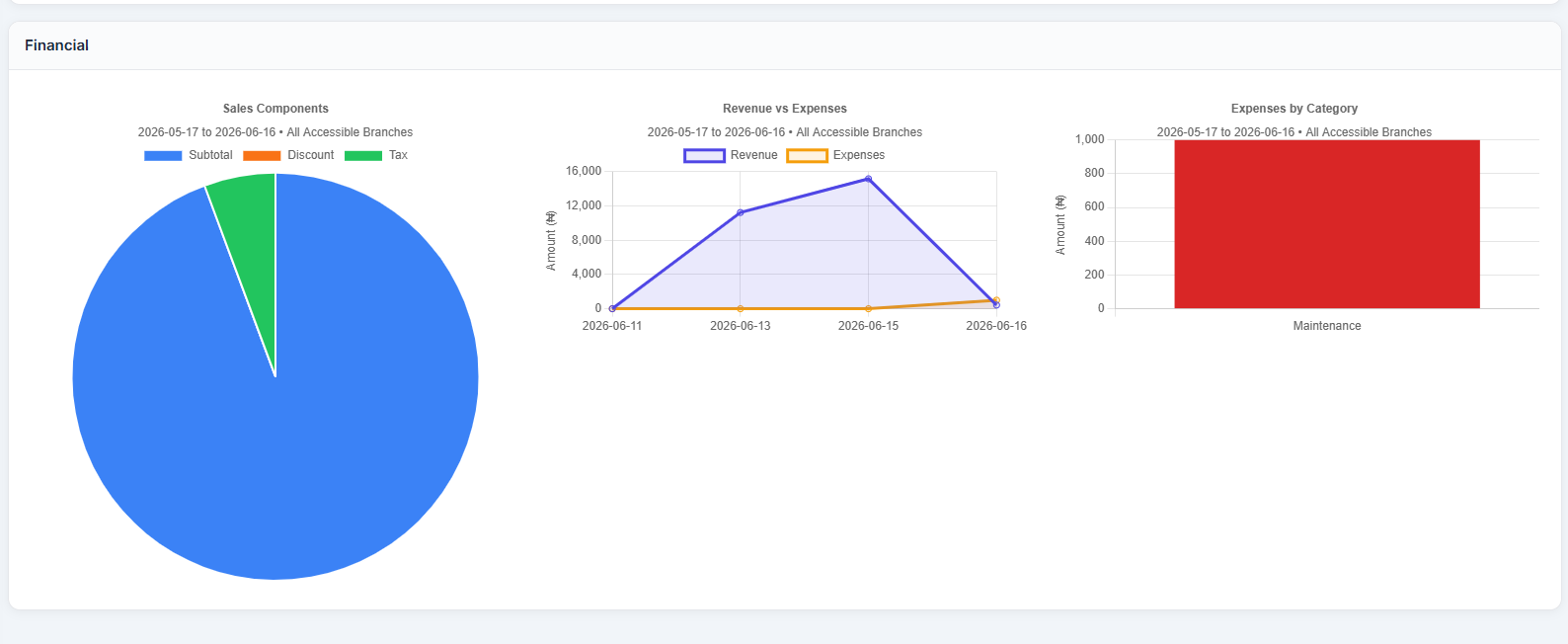
| No visibility into branch, product, or cashier performance | Built-in Sales, Inventory, Financial, Customer reports + visual charts dashboard |
| Lost sales when a customer steps away mid-transaction | Hold/Resume sale functionality keeps the cart safe without losing the queue |
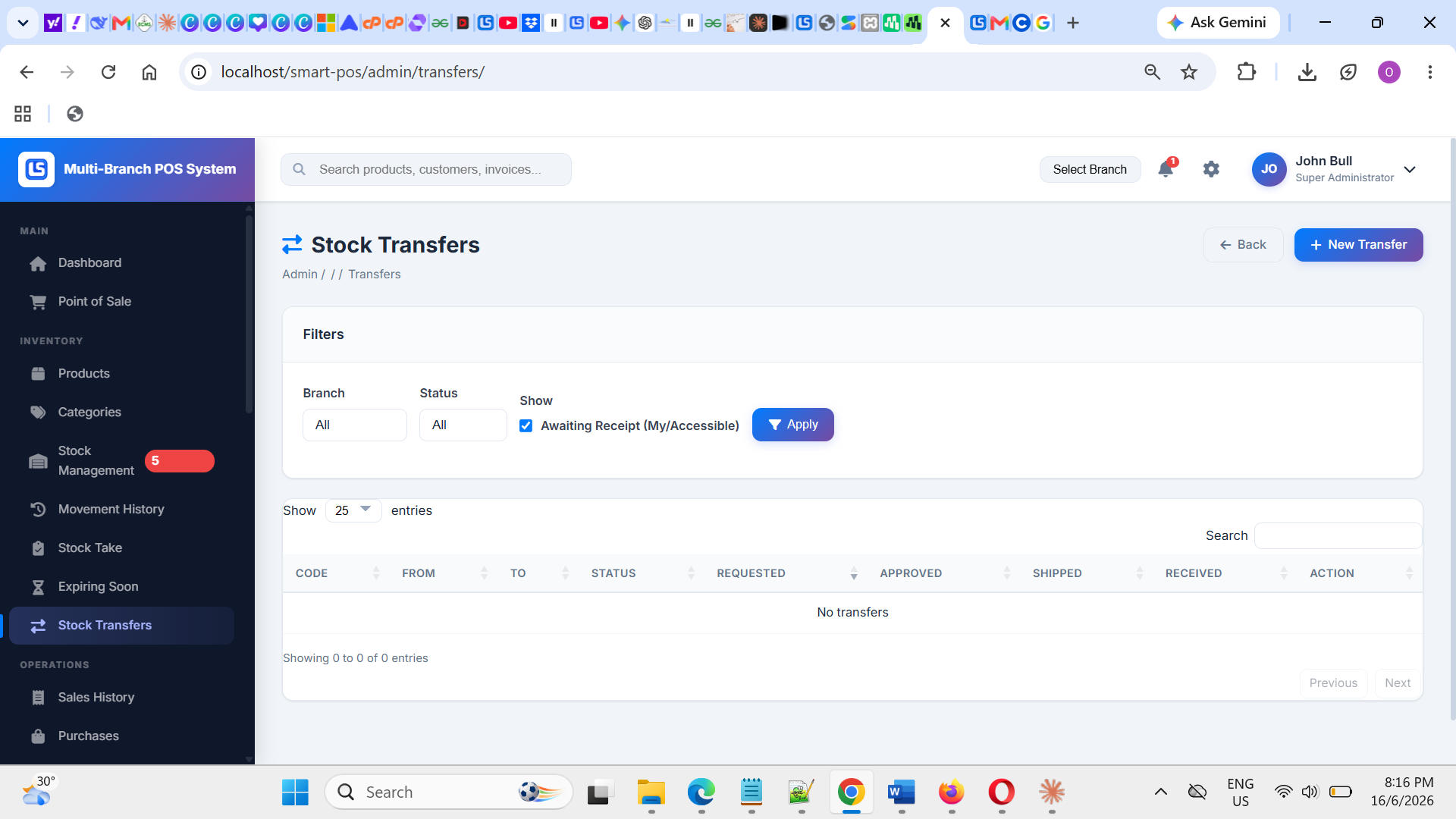
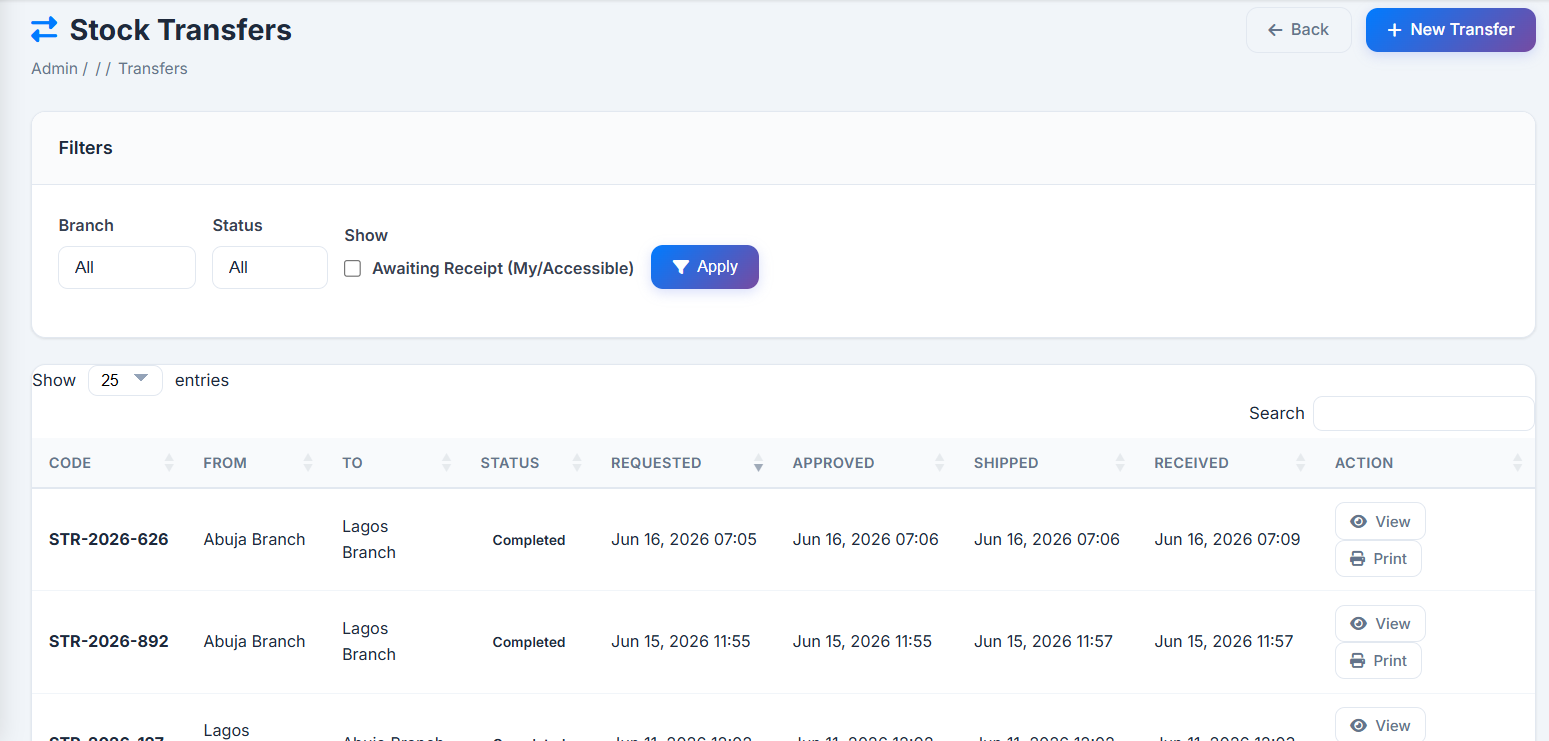
| Manually moving stock between locations with no record | Structured Stock Transfer workflow (request → approve → ship → receive), fully auditable |
| Customer loyalty programs run on paper or spreadsheets | Built-in points-based loyalty program with tiers, redemption, full history |
| Untracked or unapproved business expenses eating into margins | Branch-level expense logging with categories + manager approval, feeding net-profit calc |
| Lack of accountability for who changed what in the system | Comprehensive Activity Logs with field-by-field before/after comparisons |
5. User Roles & Access Control
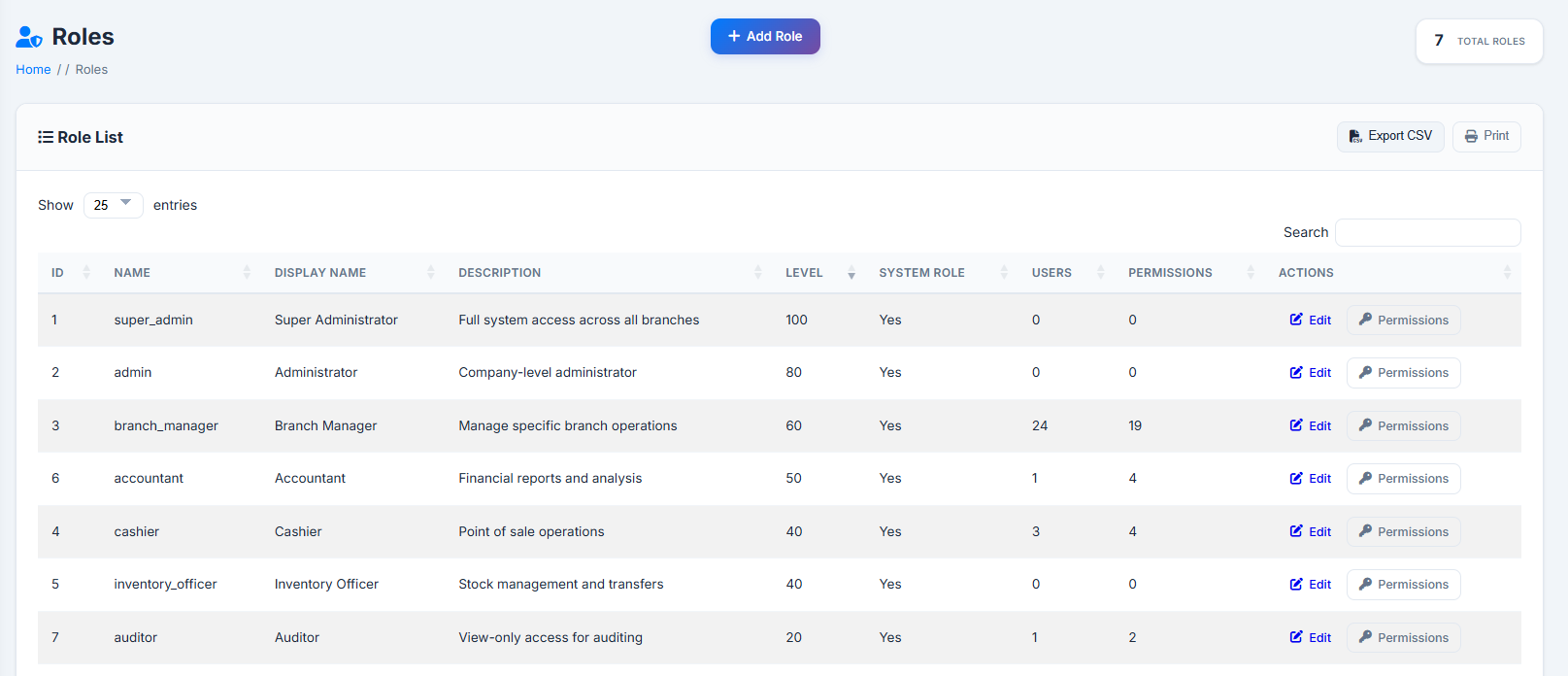
Access control combines two layers: a role (baseline permission set + numeric level) and fine-grained permissions (per module, e.g. inventory.manage, reports.view, settings.manage), customizable per role from Roles → Permissions.
| Role | Typical Scope | Description |
| Super Administrator | All branches | Full, unrestricted access to every module, including system-wide settings, backups, maintenance mode, and managing other admins. |
| Admin | All branches (or assigned) | Near-full access to operational and reporting modules across branches, typically without the most sensitive system-level controls. |
| Branch Manager | Specific branch(es) | Full operational control within assigned branch(es): POS, inventory, purchasing, expenses, branch-level reports. |
| Cashier | Specific branch(es) | Front-line role focused on the Point of Sale: sales, promotions/discounts, holds/resumes, receipts, cash drawer. |
Additional custom roles (e.g. "Supervisor", "Inventory Clerk", "Accountant", "Auditor") can be created at any time, each with its own name, level, and fully customizable permission checklist.
5.2 How Branch Scoping Works
- A user can be assigned to multiple branches, with a different role at each branch (e.g. Cashier at Lagos, Branch Manager at Abuja).
- One branch is flagged as the user's primary branch — their default active branch at login.
- For Cashiers/Branch Managers, almost all data (sales, stock, reports) is automatically filtered to only their assigned branch(es).
- Super Administrators and Admins can view a specific branch or, where supported, all accessible branches in aggregate (e.g. in reports).
6. Module Descriptions
| Module | Purpose |
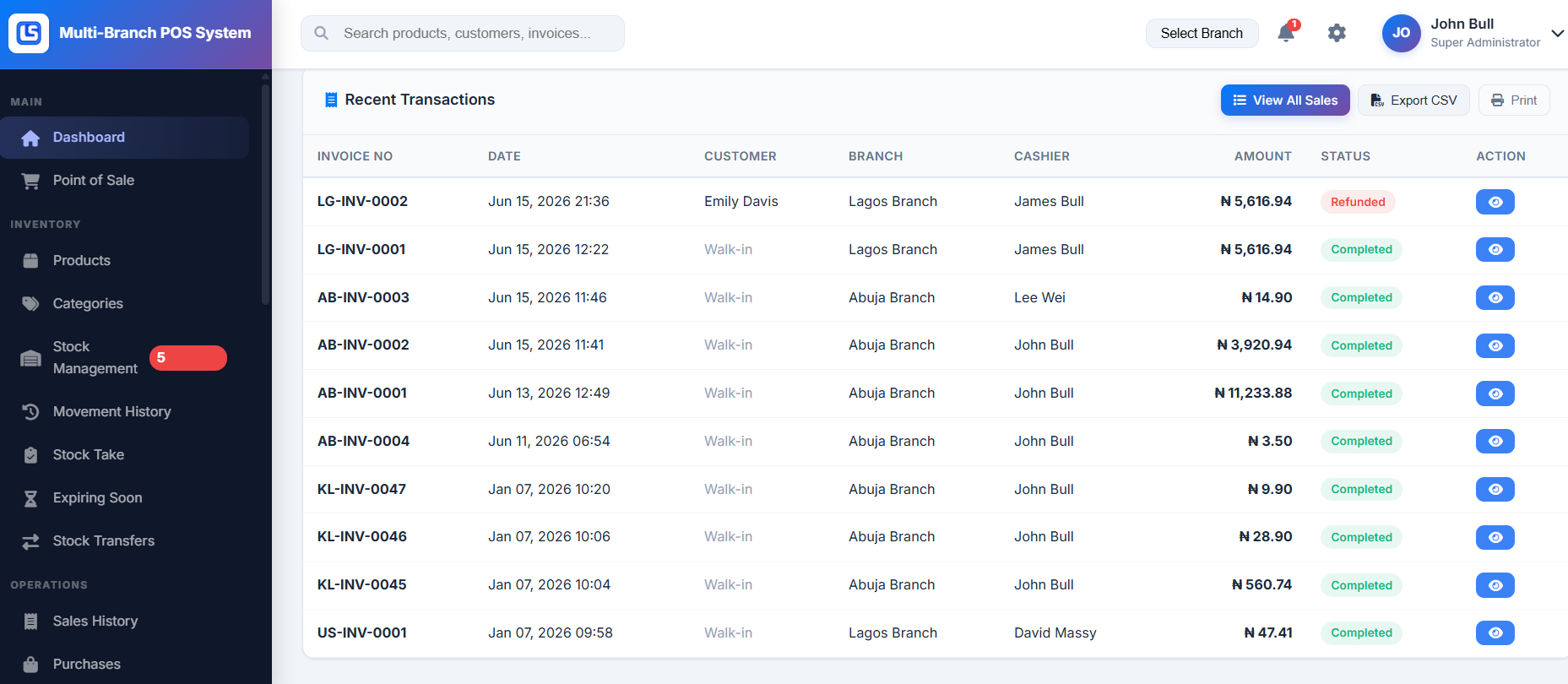
| Dashboard | At-a-glance KPIs: today's sales, orders, new customers, low-stock/expiry alerts, top products, branch comparison, recent transactions. |
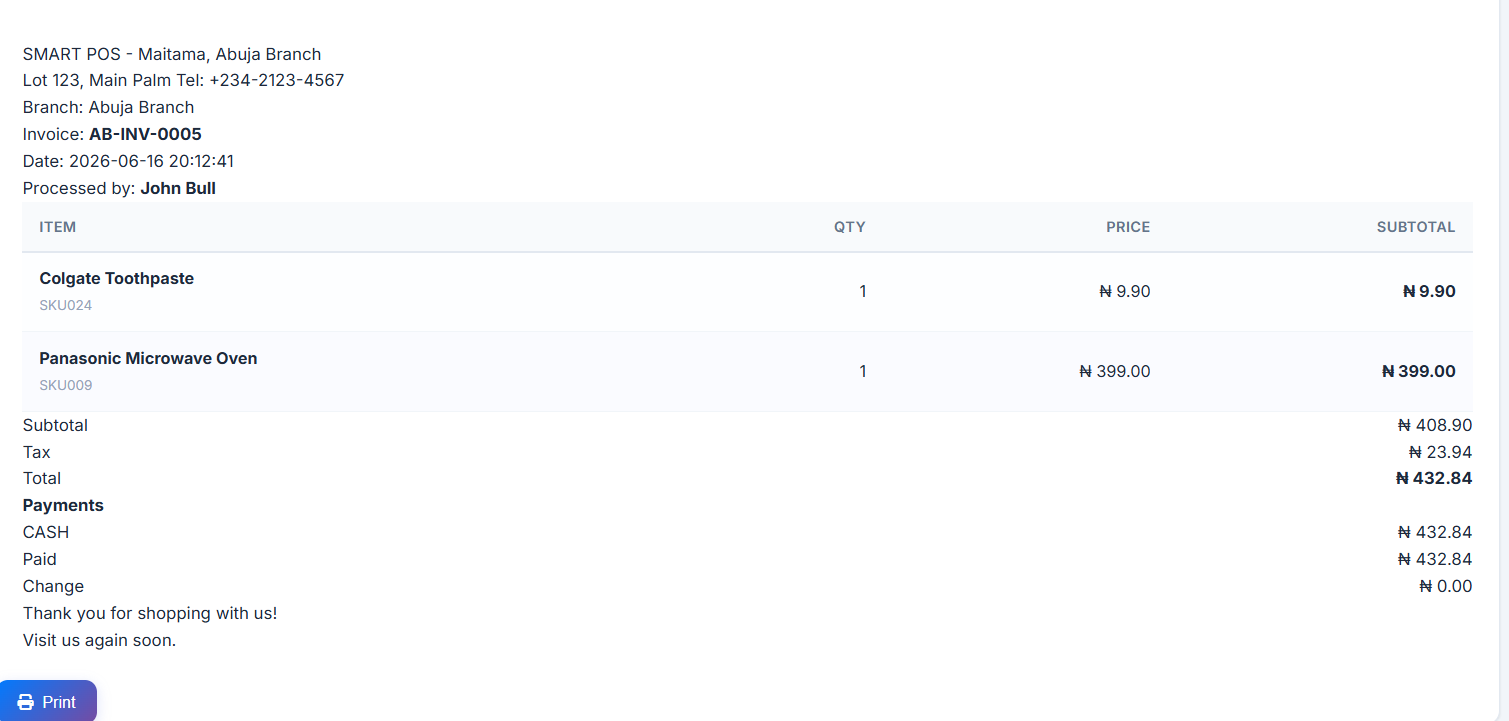
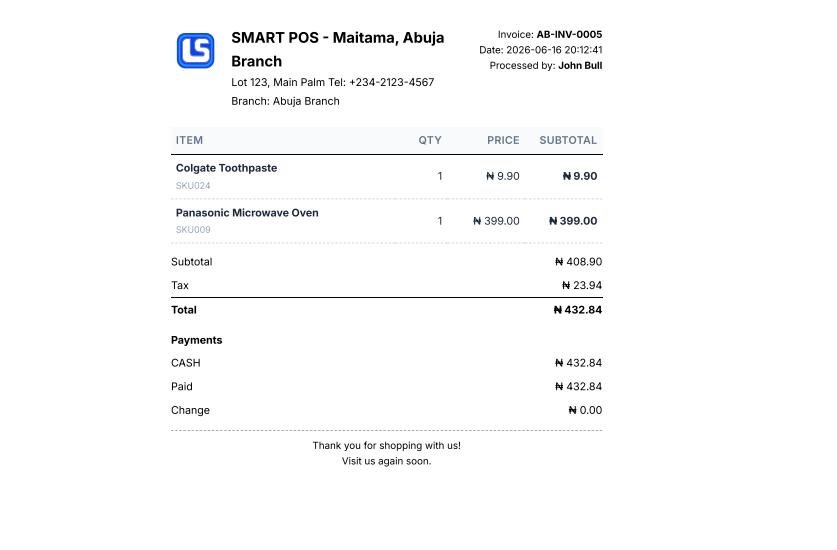
| Point of Sale (POS) | The checkout terminal — search/scan, cart management, discounts/promos/loyalty, hold/resume, payments, receipts, cash drawer. |
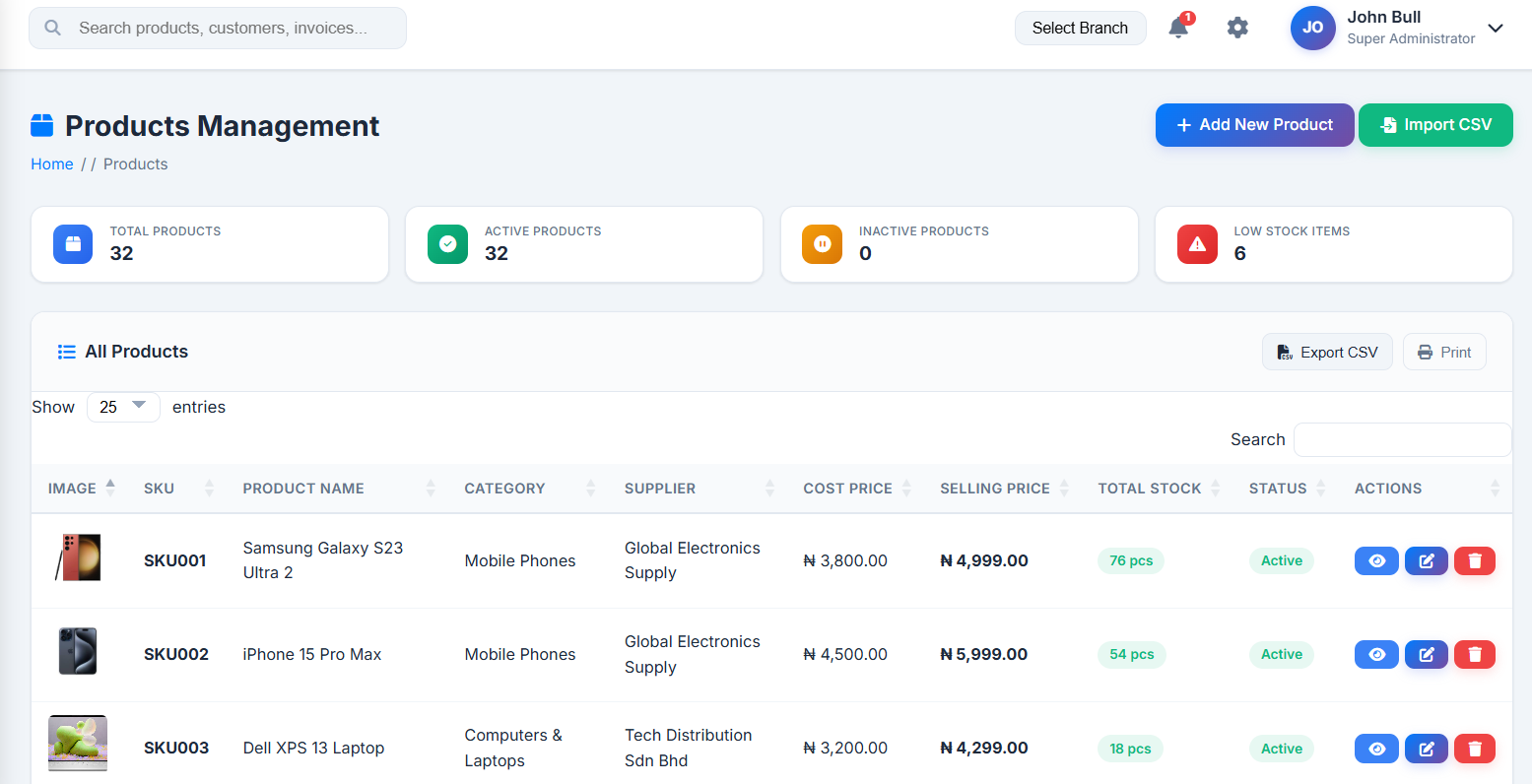
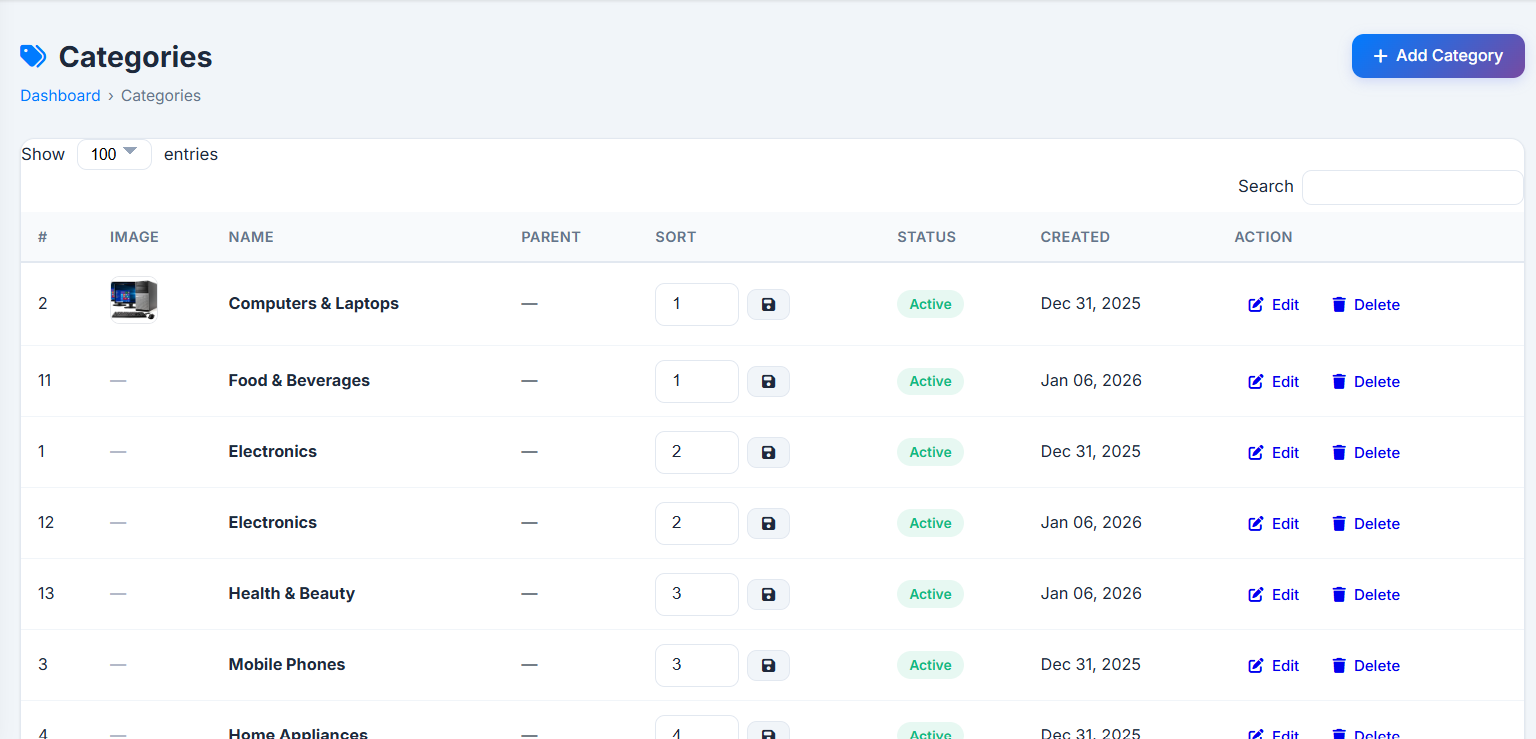
| Products & Categories | Full catalog management (pricing, tax, units, images, expiry) and hierarchical categories with barcode label printing. |
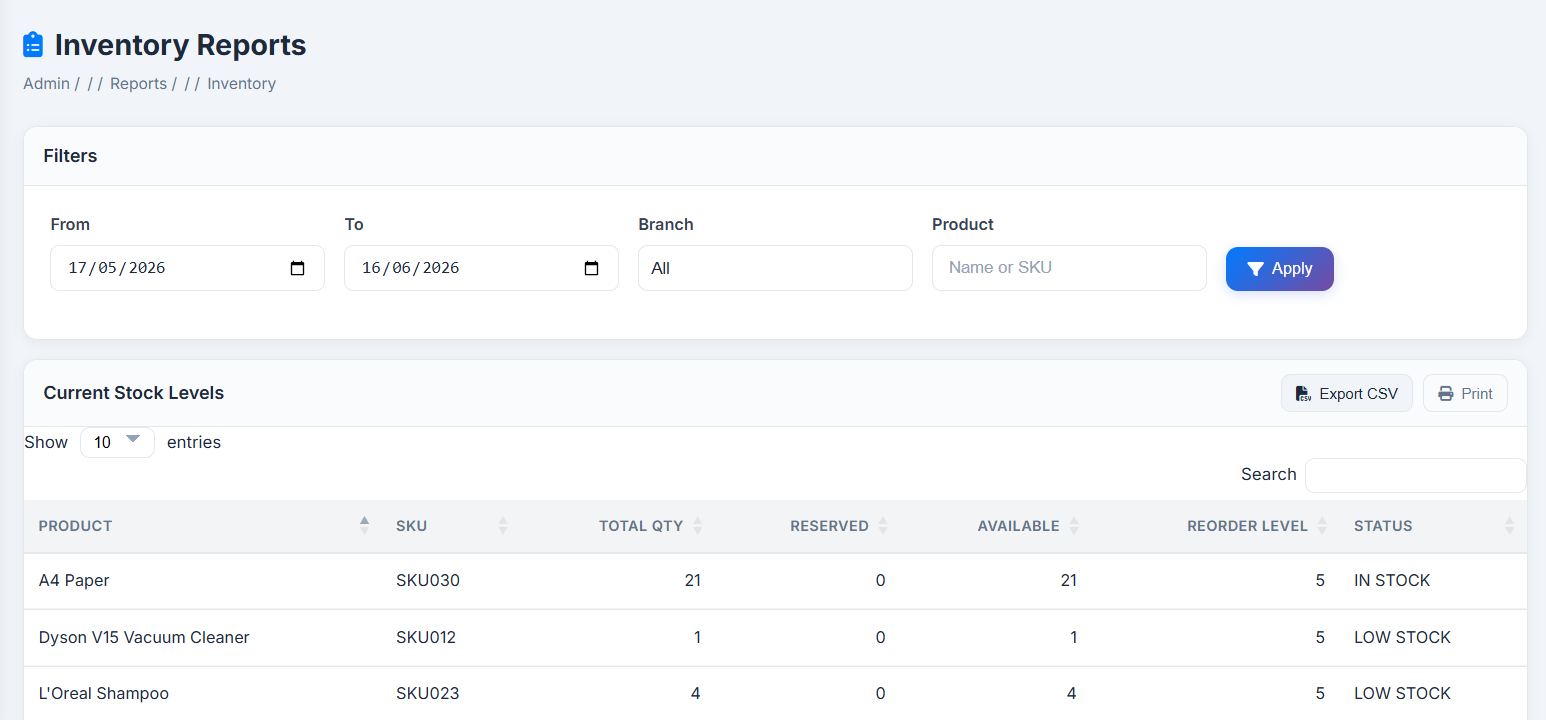
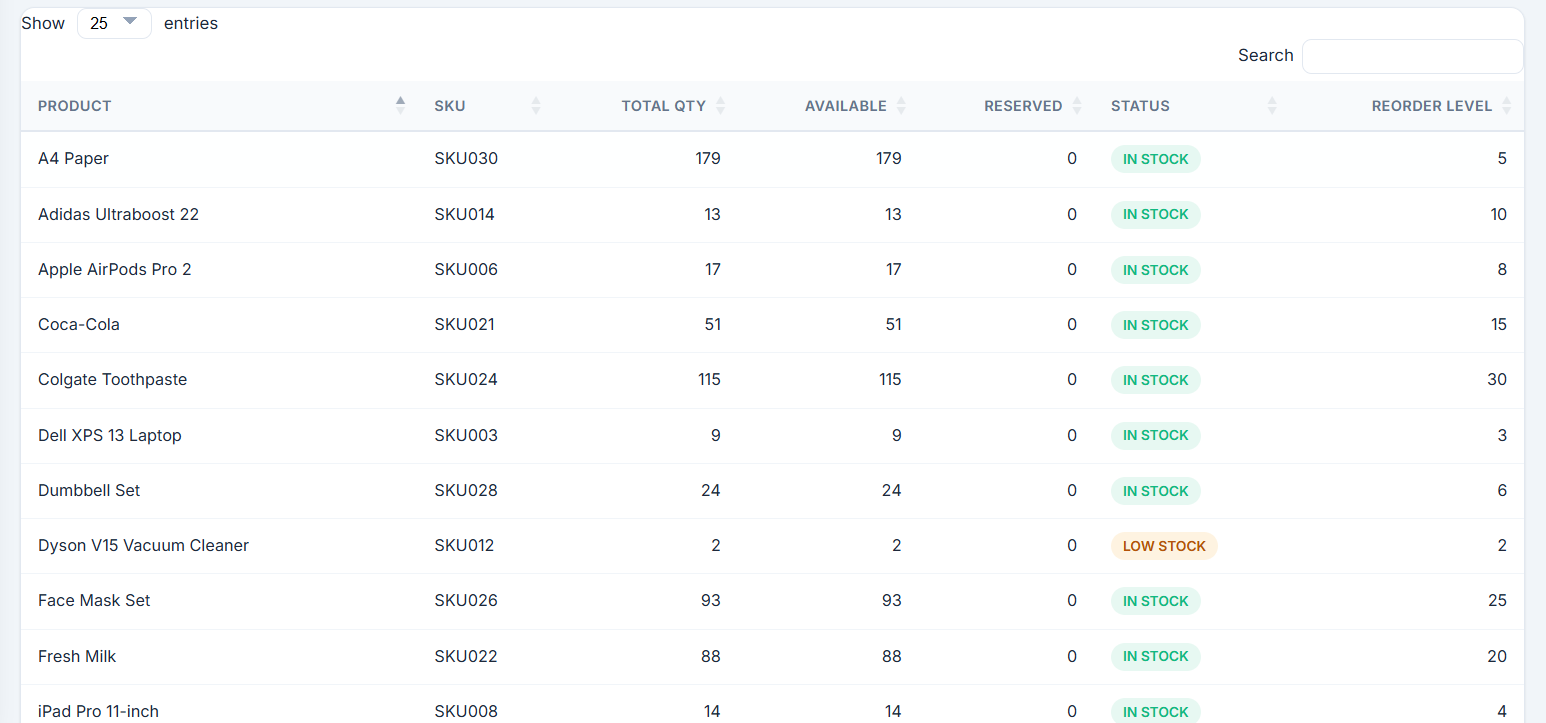
| Stock Management | Cross-branch and per-branch stock visibility, reorder levels, stock adjustments, physical stock-take. |
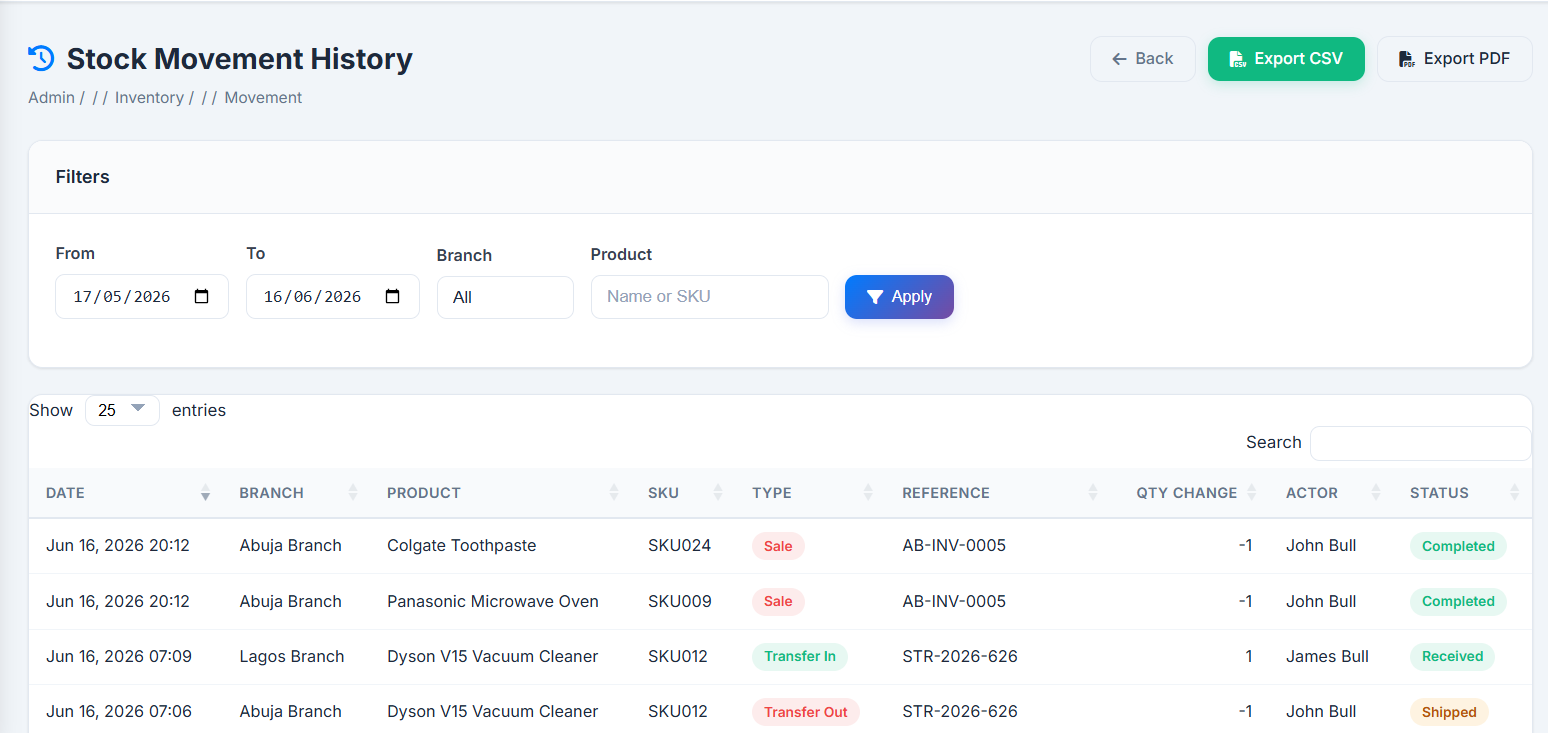
| Movement History | Chronological ledger of every stock-in/stock-out event across sales, purchases, transfers, and adjustments. |
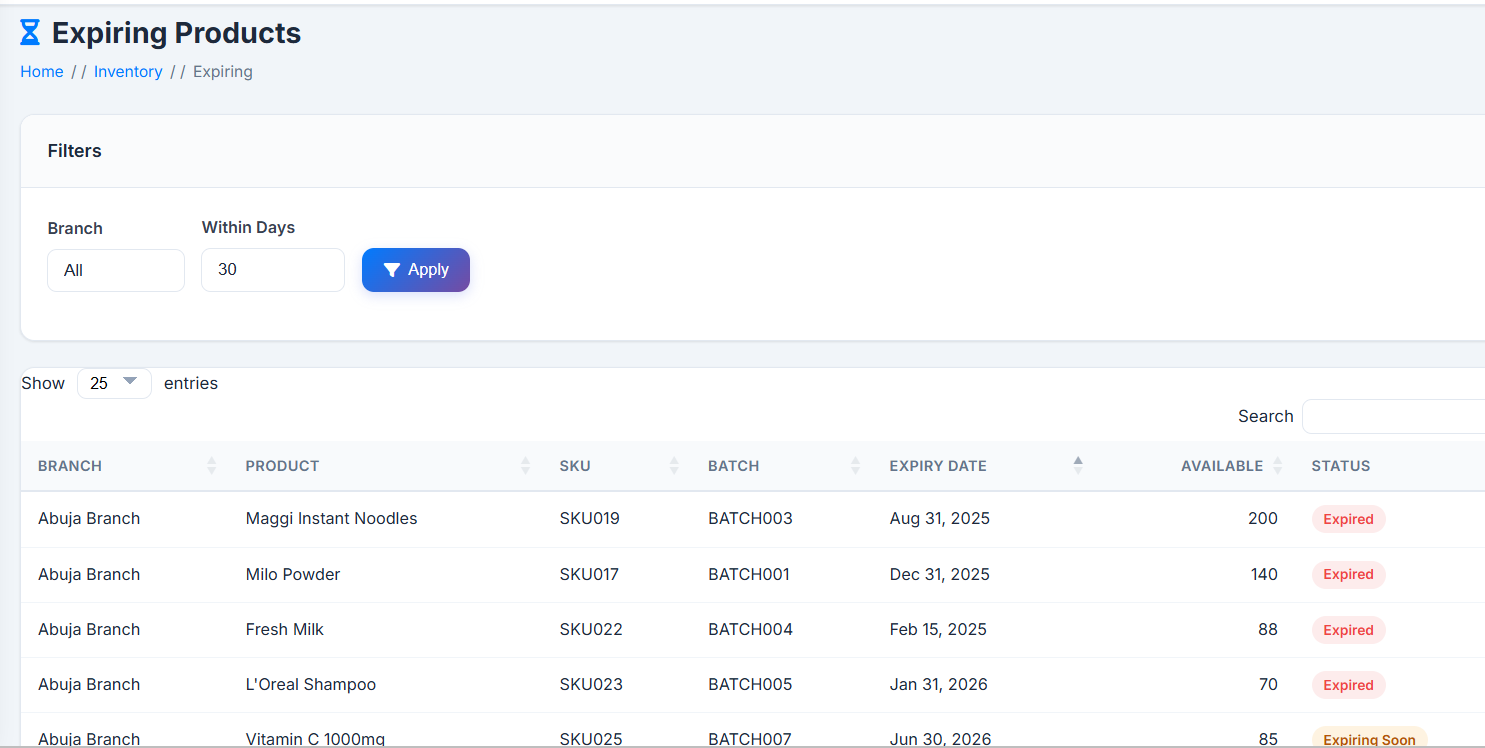
| Expiring Soon | Proactive list of stock batches approaching expiry, by branch. |
| Stock Transfers | Inter-branch movement with Pending → Approved → In Transit → Received workflow. |
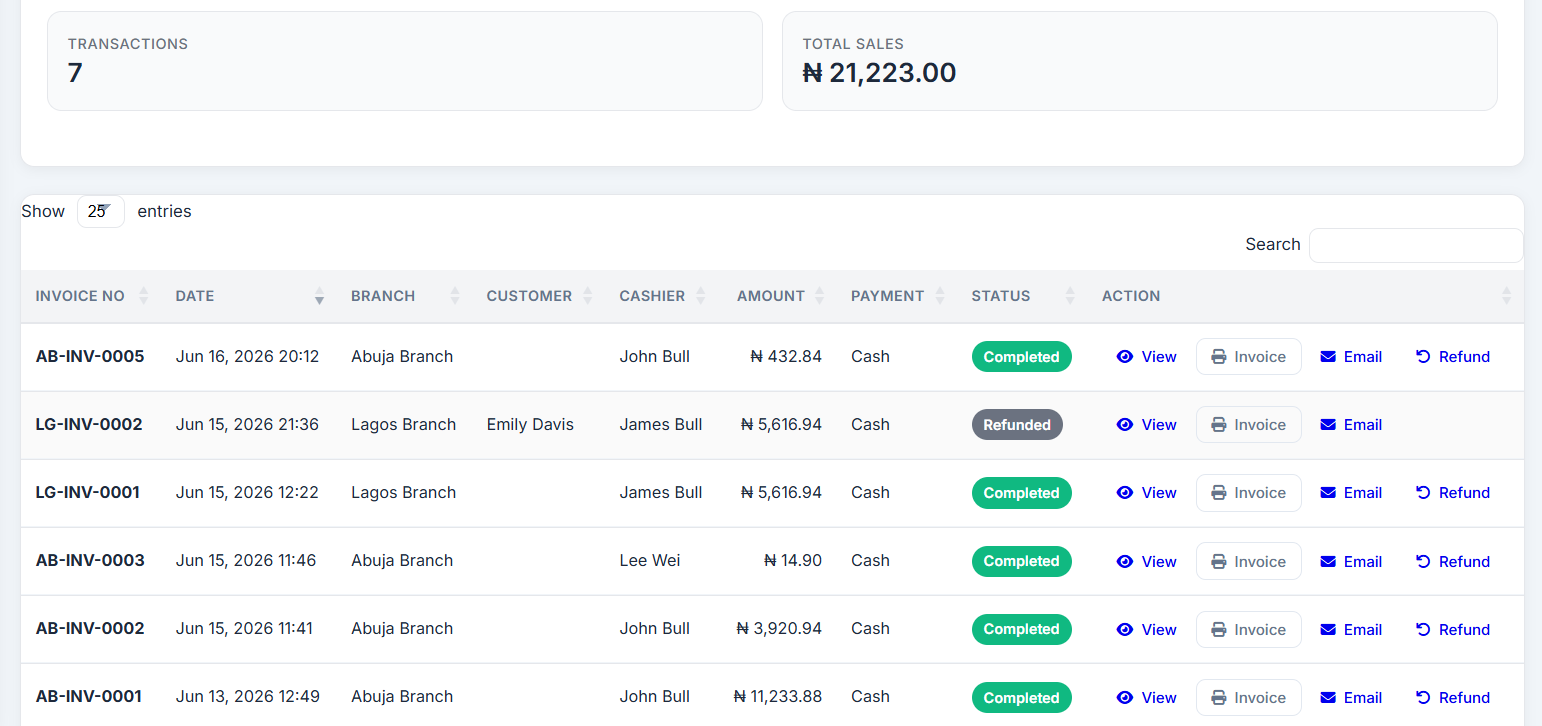
| Sales History | Searchable archive of completed sales, invoices, email receipts, item-level refunds. |
| Purchases | Purchase order creation, supplier assignment, partial/full receiving, printable POs. |
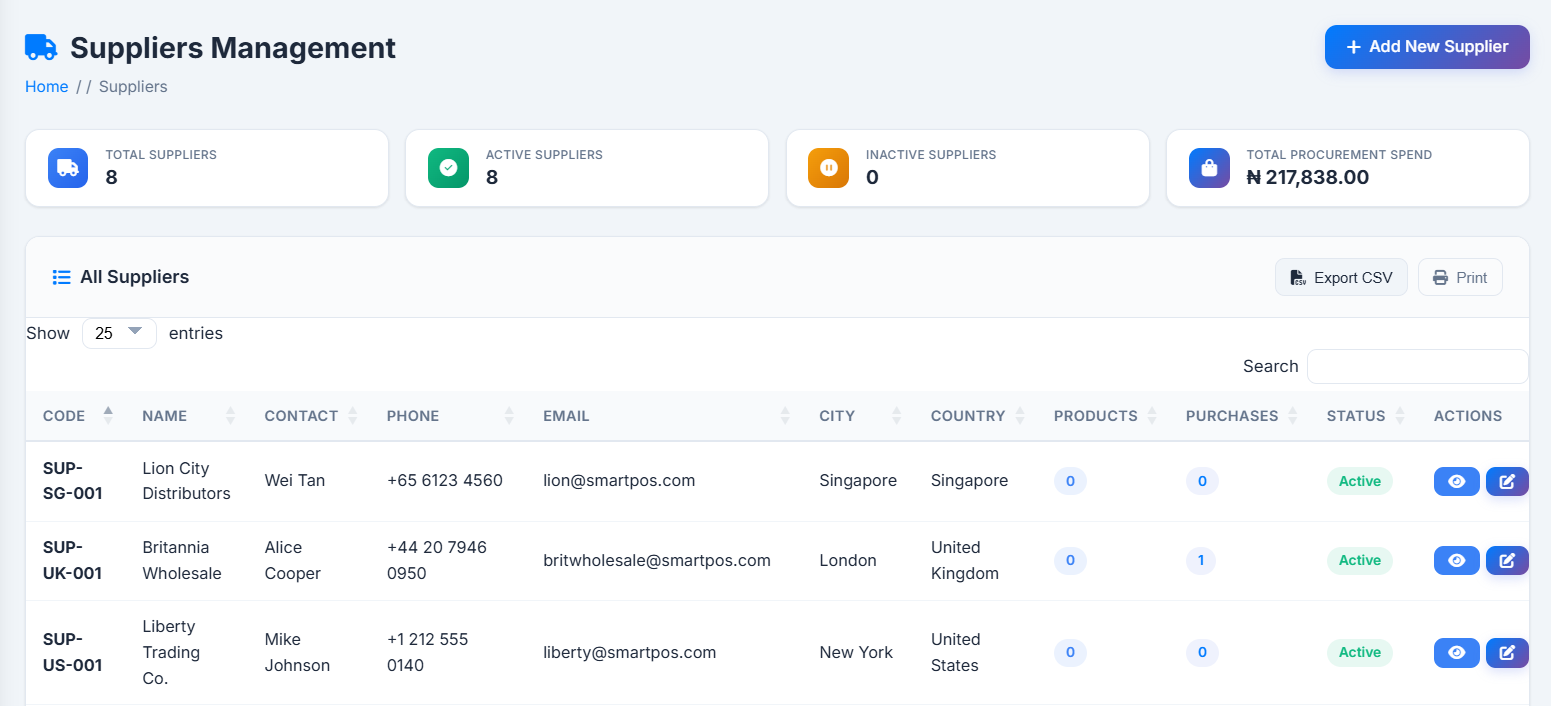
| Suppliers | Supplier directory plus performance dashboard (spend, order status, top products). |
| Customers | Customer database with profiles, purchase history, segmentation, bulk CSV import. |
| Loyalty Program | Configurable points program, tiered rewards, full earn/redeem/expire/adjust history. |
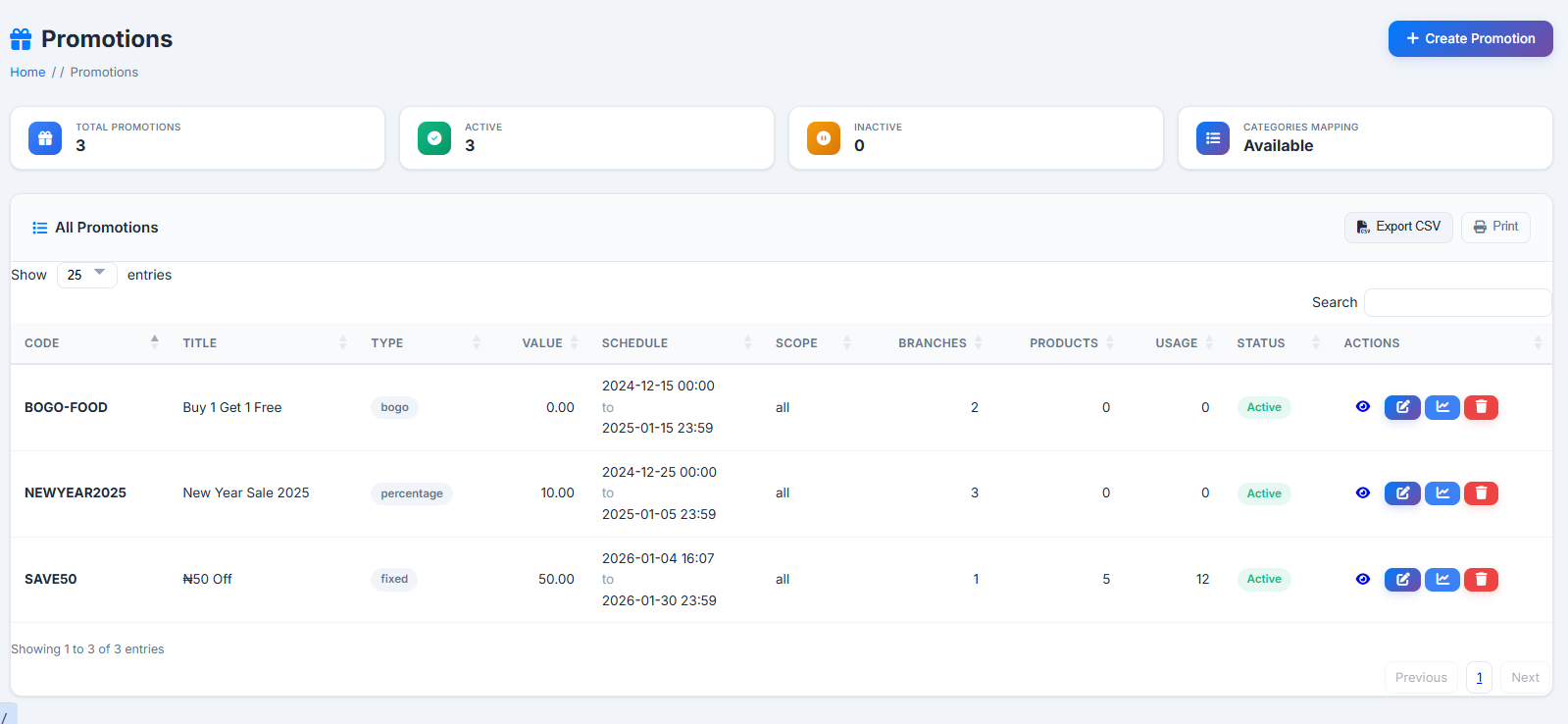
| Promotions | Discount campaigns (percentage, fixed, BOGO, bundle, free-shipping) with targeting and usage tracking. |
| Expenses | Branch operating-expense logging with categories, attachments, approval workflow. |
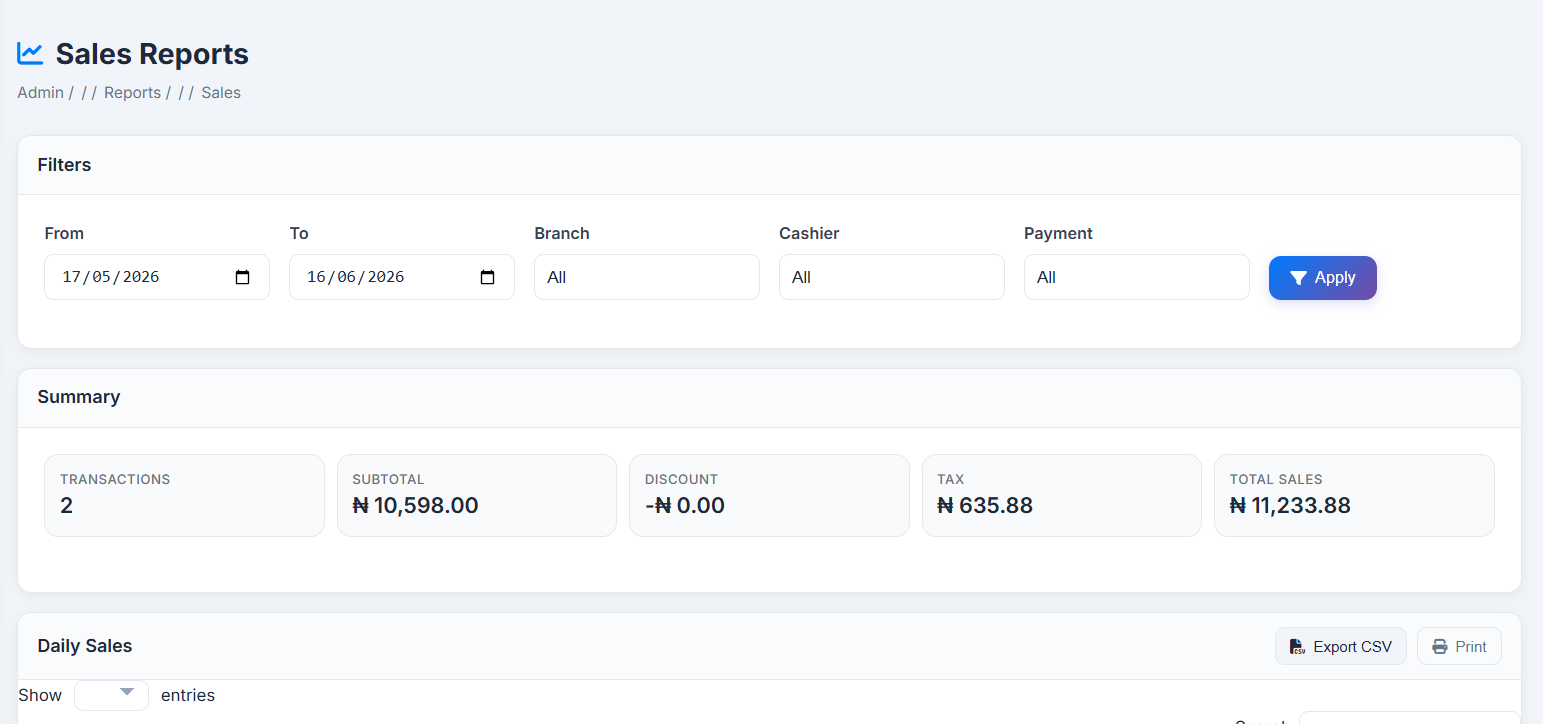
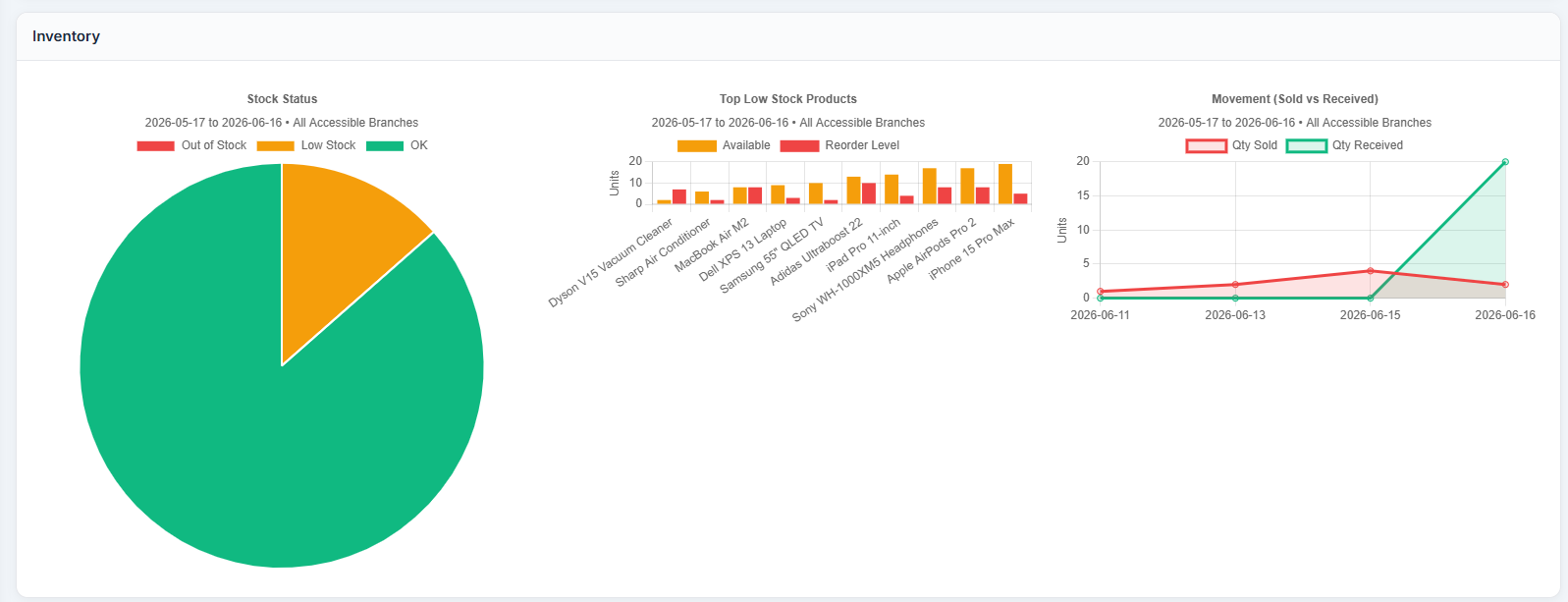
| Reports | Sales, Inventory, Financial, Customer, Branch Comparison reports + visual Charts Overview. |
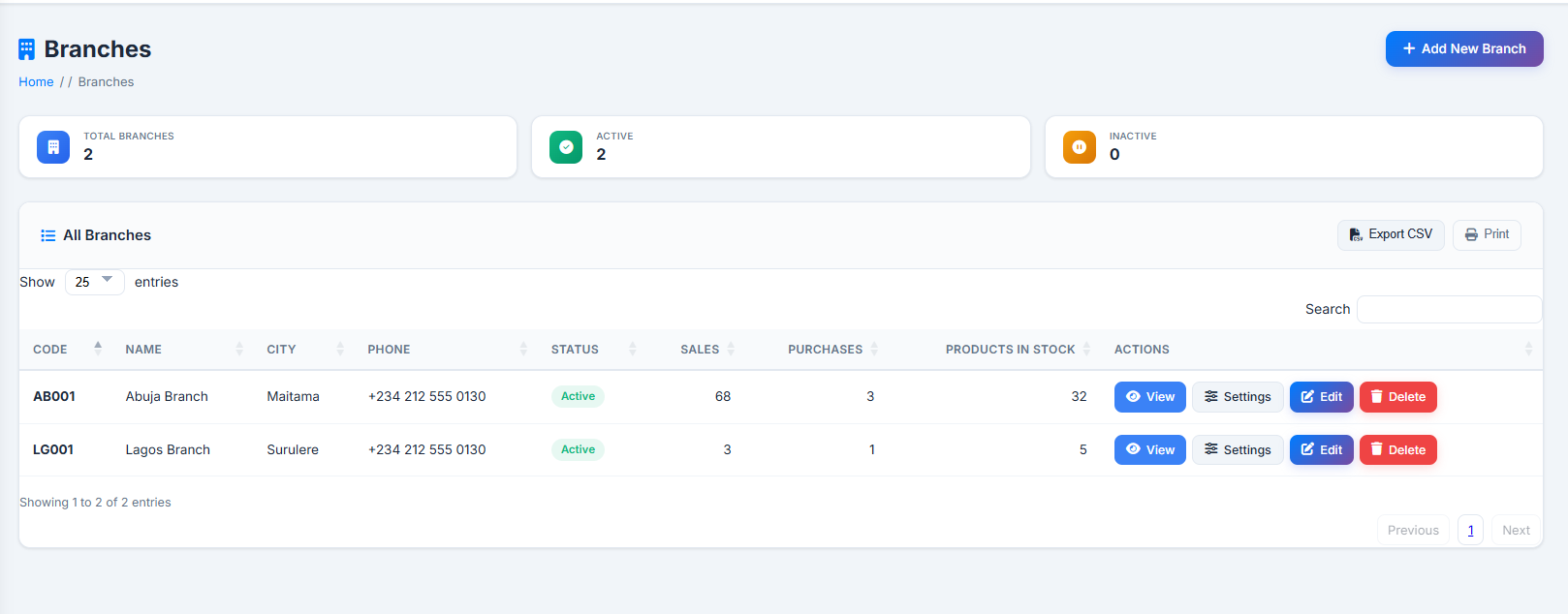
| Branches | Branch directory and configuration — address, timezone, GPS, currency, tax, invoice prefix, theme. |
| Users & Roles | User account management, multi-branch/multi-role assignment, role/permission editor. |
| Activity Logs | System-wide audit trail with field-level before/after details, exportable to CSV. |
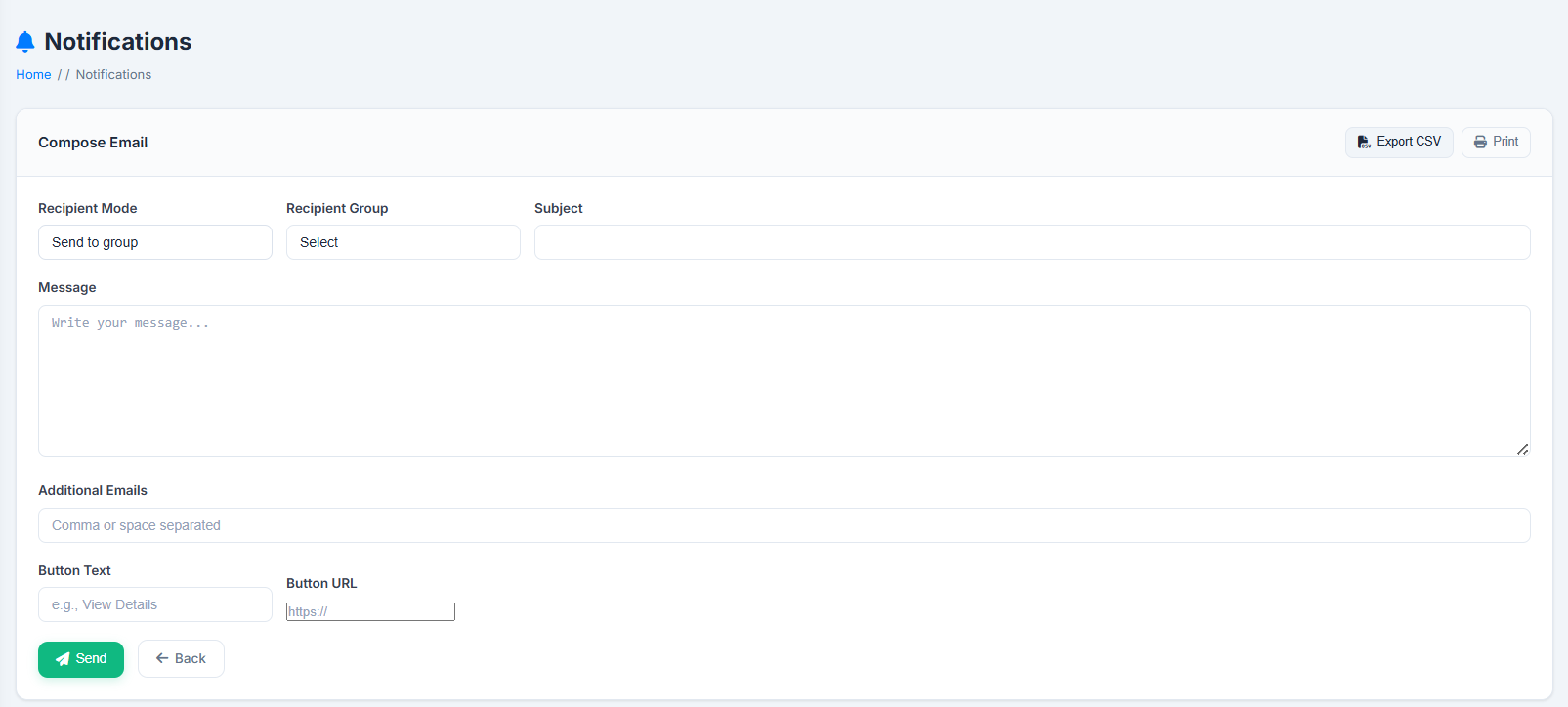
| Notifications | Compose and send branded email notifications; view a log of all system emails sent. |
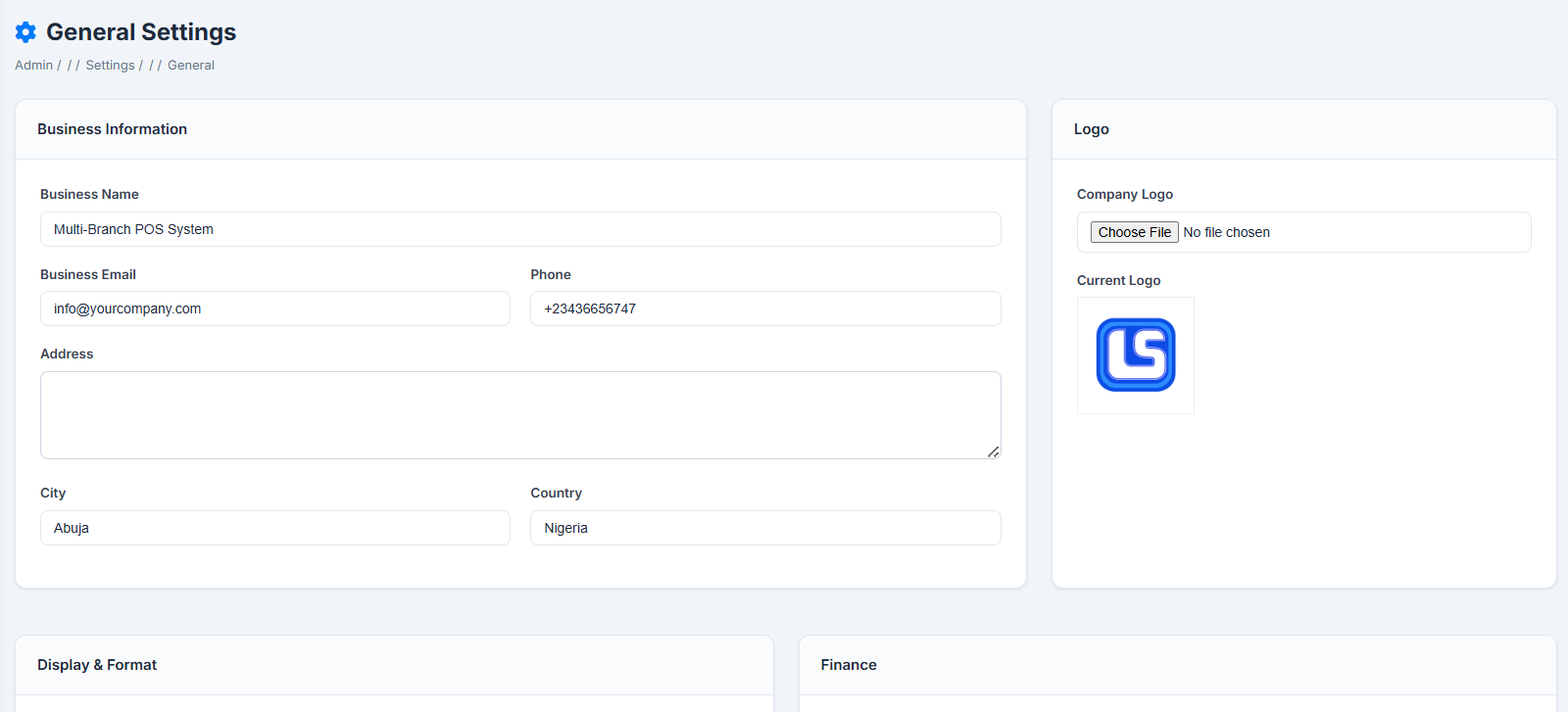
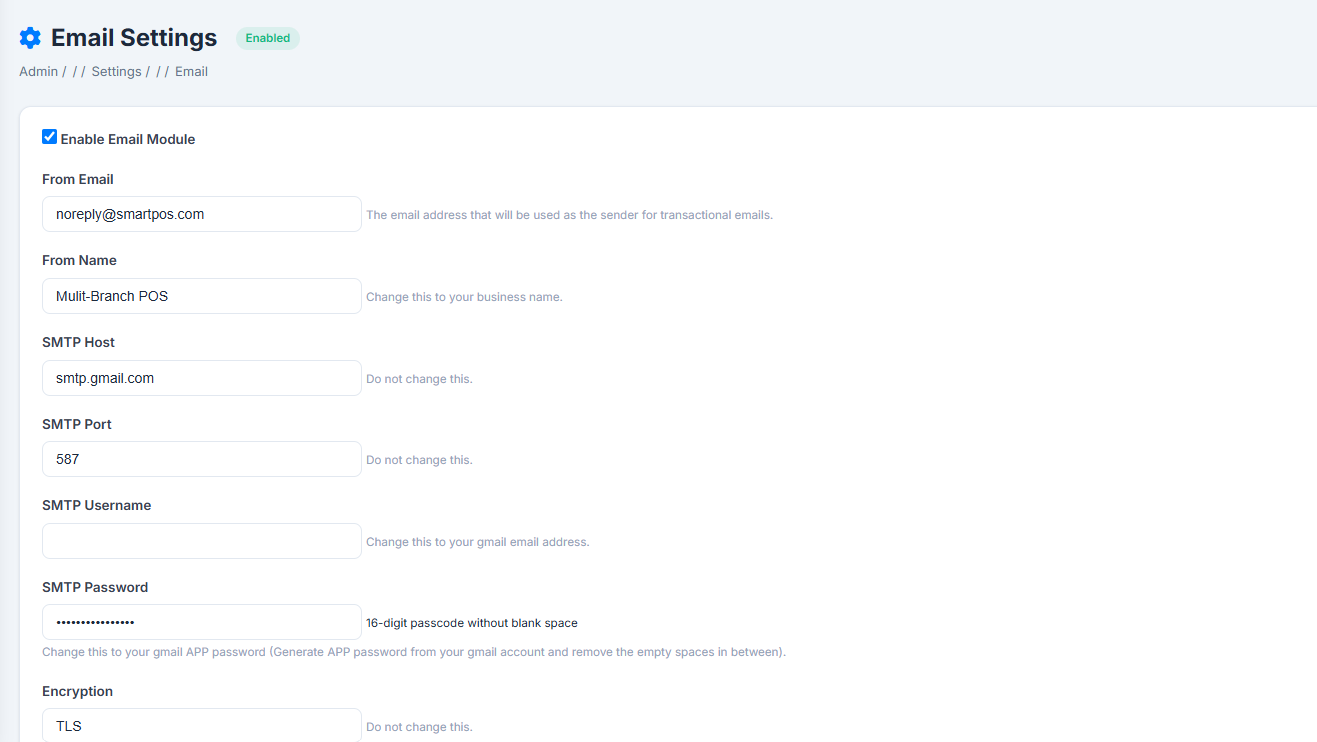
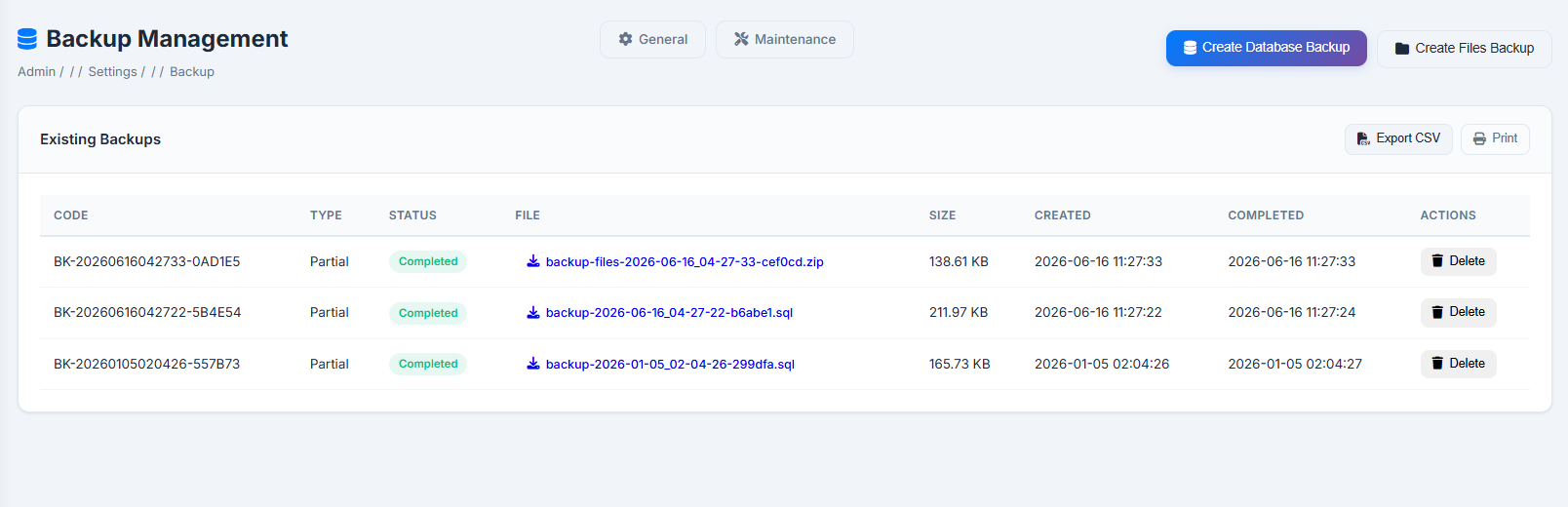
| Business Settings | System-wide defaults, SMTP config with test send, database/file backups, maintenance mode. |
| My Profile | Personal account settings — contact info, avatar, password change, activity history. |
A detailed, page-by-page walkthrough of every module is provided in the companion User Guide shipped with the product.
7. Browser & Hosting Compatibility
Browser Support
Modern evergreen browsers: Google Chrome, Microsoft Edge, Mozilla Firefox, and Safari (latest two major versions). The interface is responsive and usable on tablets; for the POS screen, a desktop/laptop or tablet with a physical or USB/Bluetooth barcode scanner is recommended for best throughput. Super admins, admins, and managers can also log in from their phones to follow up on sales and daily operations when the system is hosted on a public web server.
Hosting Compatibility
| Environment | Details |
| Local environments | XAMPP, WAMP, MAMP, Laragon (Windows/Mac/Linux) |
| Shared hosting (cPanel) | Standard LAMP/LiteSpeed stacks — no special server modules required |
| VPS/Dedicated servers | For higher-traffic, multi-branch deployments — OPcache and MySQL tuning supported |
8. Who Is It Designed For?
Built for small-to-mid-sized retail and service businesses that need professional POS capabilities without ongoing SaaS costs or expensive custom development, including:
- Multi-branch retail chains — supermarkets, pharmacies, electronics stores, fashion/apparel chains, hardware stores operating two or more outlets, possibly across cities or countries.
- Single-store retailers planning to expand — the multi-branch architecture scales from one location to many without switching platforms.
- Businesses operating internationally or regionally — e.g. branches in Nigeria, Ghana, and a diaspora/export branch priced in USD — thanks to per-branch currency and tax configuration.
- Wholesalers and distributors with supplier purchase orders, batch/expiry tracking, and inter-branch stock transfers.
- Businesses running customer loyalty/rewards programs as part of their retention strategy.
- Software resellers / IT consultancies deploying white-labeled POS solutions for clients — install, brand, and support on behalf of multiple end-customers.
- Educational and demo environments — clean module separation makes it a strong base for teaching retail systems concepts or further customization.
9. Business Benefits
| ✅ Lower total cost of ownership — one-time purchase/setup, no recurring per-branch/terminal SaaS fees; hosting from a few dollars a month. |
| ✅ Full data ownership — all data lives in the business's own MySQL database, backed up, exported, or migrated freely. |
| ✅ Faster checkout, fewer errors — barcode scanning and automatic tax/discount/loyalty calculations reduce mistakes and queue times. |
| ✅ Centralized multi-branch oversight — single Dashboard and report suite covering every branch in its own currency. |
| ✅ Tighter inventory control — real-time stock levels, low-stock alerts, expiry tracking, full movement audit trail. |
| ✅ Improved supplier management — purchase orders, partial receiving, and performance analytics support better negotiating. |
| ✅ Increased customer retention — built-in loyalty points and tiered rewards with repeat-purchase reporting. |
| ✅ Better cost control — branch-level expense tracking with approvals feeding accurate net-profit reporting. |
| ✅ Accountability & compliance — detailed activity logs with field-level change history for audits and dispute resolution. |
| ✅ Adaptable to local regulations — independent per-branch tax rates/labels and invoice numbering, no code changes needed. |
| ✅ Future-proof architecture — standard PHP/MySQL stack extendable by any competent PHP developer. |
Own your platform. Control your data. Scale across branches and currencies — without the SaaS price tag.
| Version | File Size | Release Date | Downloads |
|---|---|---|---|
| 1.0.0 Latest | 10526224 | Jun 18, 2026 | 0 |
No reviews yet. Be the first to review this product!
Related Products
Mini POS and Inventory System
This POS and inventory system helps small and medium stores sell quickly, track ...
1 / 35